Chatspot.ai Review 2026
Combines AI chat capabilities with CRM integration to help marketers generate content, analyze data, and automate marketing tasks.
Summary
- Free with HubSpot: Breeze Assistant is included at no additional cost with HubSpot subscriptions, making it accessible to teams already using the platform
- CRM-aware AI: Unlike generic AI tools, it understands your actual customer data, deal history, and business context to provide relevant assistance
- HubSpot-only limitation: Requires a HubSpot subscription and only works within the HubSpot ecosystem -- not a standalone tool
- Best for HubSpot users: Ideal for teams already invested in HubSpot who want AI assistance without switching platforms or paying for separate AI tools
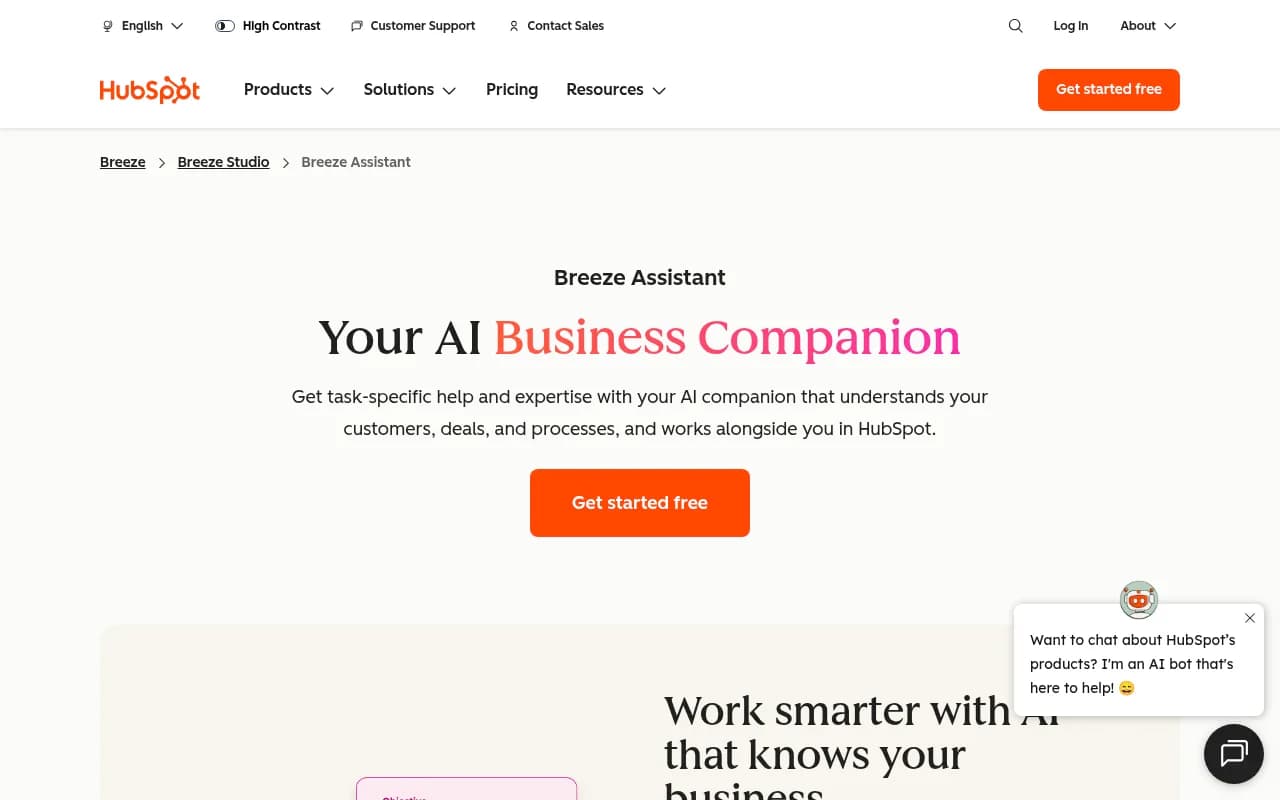
Breeze Assistant (formerly known as ChatSpot.ai) is HubSpot's AI companion built directly into the HubSpot platform. Launched as part of HubSpot's broader Breeze AI initiative, it's designed to help sales, marketing, and customer service teams work more efficiently by providing AI assistance that actually understands their business data. Unlike standalone AI tools that require you to manually provide context, Breeze Assistant taps into your CRM records, meeting notes, email conversations, and integrated workspace tools to deliver relevant help.
The tool is included free with HubSpot subscriptions, positioning it as a value-add for existing customers rather than a separate product. It's aimed at teams who are already using HubSpot and want AI capabilities without the friction of switching between platforms or managing multiple AI subscriptions.
Meeting preparation and insights: Breeze Assistant pulls data from your CRM to generate pre-meeting briefs. Before a sales call, it can surface the contact's interaction history, recent email exchanges, deal stage, and relevant notes from previous conversations. This saves reps from manually digging through records and ensures they walk into meetings informed. The assistant can also summarize past meetings and highlight action items that need follow-up.
Branded content generation: The tool generates marketing copy, email templates, and social media posts that match your company's voice and messaging guidelines. It references your brand assets and previous content to maintain consistency. For example, you can ask it to draft a follow-up email after a demo, and it will auto-populate details from the CRM record -- prospect name, company, specific pain points discussed -- so you can send it with minimal editing. This is particularly useful for sales teams who need to personalize outreach at scale without starting from scratch every time.
Custom assistants for specialized workflows: Through Breeze Studio, you can build custom AI assistants tailored to your specific business processes. These aren't just generic chatbots -- they're trained on your company knowledge base, sales playbooks, support documentation, or product specs. For instance, a support team could create an assistant that knows your troubleshooting guides and can help agents resolve tickets faster. A marketing team could build one that understands campaign workflows and helps with content planning. HubSpot also offers pre-built assistants for common use cases across sales, marketing, and service.
Deep research and analysis: Breeze Assistant can conduct research and analyze complex questions using your CRM data. Ask it to identify trends in deal closures, analyze which email subject lines get the best open rates, or surface common objections from lost deals. It processes large datasets and returns insights in plain language, making it accessible to non-technical users who need answers without building custom reports.
Cross-platform integration: The assistant connects to Google Workspace, Microsoft 365, and Slack, pulling in emails, calendar events, shared documents, and team conversations alongside CRM data. This gives it a fuller picture of your business context. For example, it can reference a Slack thread where your team discussed a client issue and combine that with the CRM record to provide a complete view.
Contextual memory: Breeze Assistant remembers preferences and context across conversations. If you tell it your preferred email tone or the way you like meeting summaries formatted, it retains that information for future interactions. This reduces repetitive instructions and makes the tool feel more like a personal assistant over time.
Zero setup required: There's no training, configuration, or code needed to start using Breeze Assistant. It understands your business context from day one by reading your CRM data. This is a major advantage over custom AI implementations that require weeks of setup and fine-tuning.
Who is it for
Breeze Assistant is built for teams already using HubSpot -- specifically sales reps managing 50+ deals, marketing teams creating high volumes of content, and customer service agents handling repetitive inquiries. It's particularly valuable for small to mid-sized businesses (10-200 employees) that don't have dedicated data analysts or content teams but need to operate efficiently.
Sales teams benefit most when they're juggling multiple prospects and need quick prep before calls. Marketing teams find value in the content generation features, especially when they're running campaigns across multiple channels and need to maintain brand consistency. Service teams use it to speed up ticket resolution by accessing product documentation and troubleshooting guides without leaving the CRM.
It's not ideal for teams that don't use HubSpot or those who need AI capabilities outside the HubSpot ecosystem. If you're using Salesforce, Pipedrive, or another CRM, Breeze Assistant won't work for you. Similarly, if you need AI for tasks unrelated to CRM data -- like code generation, image creation, or advanced data science -- you'll need a different tool.
Integrations and ecosystem
Breeze Assistant integrates natively with Google Workspace (Gmail, Google Calendar, Google Drive), Microsoft 365 (Outlook, Teams, OneDrive), and Slack. These integrations allow it to pull context from emails, calendar events, shared documents, and team conversations. It also works across all HubSpot hubs -- Marketing Hub, Sales Hub, Service Hub, CMS Hub, and Operations Hub -- so the assistant has access to your full customer data.
The Breeze marketplace offers pre-built agents and custom assistants created by HubSpot and third-party developers. You can browse, install, and customize these to fit your workflows. Breeze Studio is where you manage and tailor all your AI agents and assistants in one place.
There's no public API specifically for Breeze Assistant, but it leverages HubSpot's existing APIs and data infrastructure. If you're a developer, you can build custom integrations through HubSpot's platform, but Breeze Assistant itself is designed for non-technical users.
Pricing and value
Breeze Assistant is included free with all HubSpot subscriptions. HubSpot's pricing starts at $15/month for Starter plans (Marketing, Sales, or Service Hub), $800/month for Professional plans, and $3,600/month for Enterprise plans. The assistant is available at all tiers, though some advanced features (like custom assistants and Breeze Studio) may require higher-tier subscriptions.
For teams already paying for HubSpot, Breeze Assistant is a no-brainer -- it's free and adds immediate value. For teams not on HubSpot, the value proposition depends on whether you need the CRM and other HubSpot tools. If you're comparing standalone AI assistants like ChatGPT Plus ($20/month) or Claude Pro ($20/month), Breeze Assistant offers more business-specific functionality but requires a HubSpot subscription to access.
Compared to other CRM-integrated AI tools, Breeze Assistant is competitively priced (free) but limited to the HubSpot ecosystem. Salesforce's Einstein AI starts at $50/user/month on top of Salesforce licenses, making Breeze Assistant a more affordable option for HubSpot users.
Strengths and limitations
Breeze Assistant excels at providing AI assistance that's deeply integrated with your business data. The CRM-aware context means it can generate truly personalized content and insights, not generic responses. The zero-setup experience is a major plus -- you don't need to train models, configure APIs, or write prompts. The cross-platform integrations (Google Workspace, Microsoft 365, Slack) give it a fuller picture of your business context than tools that only access one data source.
The custom assistants feature is powerful for teams with specialized workflows. Being able to build an assistant that knows your sales playbook or support documentation saves time and ensures consistency across the team.
However, the tool is limited to HubSpot users. If you're not on HubSpot or you use multiple CRMs, Breeze Assistant won't work for you. It also lacks capabilities outside the CRM/business context -- you can't use it for general-purpose tasks like coding, image generation, or advanced data analysis unrelated to your HubSpot data.
The content generation, while useful, is still AI-generated and requires human review. It's not a replacement for skilled writers or strategists, just a tool to speed up drafting. Some users report that the assistant's responses can be generic if your CRM data is sparse or poorly organized -- garbage in, garbage out.
Breeze Assistant also doesn't offer the depth of customization or control that standalone AI tools provide. You can't fine-tune the underlying models, adjust temperature settings, or switch between different LLMs. It's a turnkey solution, which is great for ease of use but limiting for power users.
Bottom line
Breeze Assistant is a strong choice for teams already using HubSpot who want AI assistance without the hassle of managing separate tools. It's particularly valuable for sales reps who need quick meeting prep, marketers who need to generate high volumes of content, and service teams who want faster access to documentation. The fact that it's free with HubSpot subscriptions makes it an easy win for existing customers.
If you're not on HubSpot or you need AI capabilities beyond CRM-related tasks, look elsewhere. Standalone tools like ChatGPT, Claude, or Perplexity offer more flexibility and broader use cases, though they lack the deep business context that Breeze Assistant provides.
Best use case in one sentence: Sales and marketing teams on HubSpot who need AI-powered meeting prep, content generation, and CRM insights without leaving their platform.
Similar and alternative tools to Chatspot.ai