Key takeaways
- Context beats instructions: Modern LLMs respond better to rich context (examples, data, constraints) than to elaborate prompting techniques. Tools that help you manage context—not just track prompt versions—deliver real value.
- Evaluation is non-negotiable: A prompt that works in testing can fail in production. Good tools run automated tests against real datasets before you deploy, catching hallucinations and edge cases early.
- Version control prevents chaos: When a prompt change breaks your chatbot, you need to roll back fast. Tools with Git-style versioning and diff views let you compare what changed and why.
- Production monitoring closes the loop: Tracking performance in the wild—citation accuracy, tool selection, user satisfaction—tells you if your prompts actually work. Most tools stop at development; the best ones follow prompts into production.
- Team collaboration matters more than features: If your team can't share prompts, review changes, or understand why a version was deployed, even the best tool becomes a bottleneck.
Why prompt tracking tools exist
Organizations building production AI applications hit the same wall: prompts that perform well during development fail when users interact with them. A chatbot hallucinates product details. An agent selects the wrong tool. A system fabricates citations. These failures happen because prompt updates are deployed without measuring impact, and they're only discovered after users experience the problem.
Prompt tracking tools solve this by connecting prompt changes to measurable results. They version every iteration, test against real data, and monitor live performance. Teams that use them ship more reliable AI features because they catch issues during development, not after deployment.
The challenge is that most tools in this space are either too simple (just logging prompts) or too complex (requiring data science expertise). The eight features below separate tools that actually help from those that just add overhead.
1. Evaluation frameworks that run before deployment
A prompt that works in your playground can fail spectacularly in production. Good tools don't just let you test prompts—they force you to test them systematically.
What this looks like in practice:
- Dataset management: Build test-case libraries from production traces, edge cases, and failure modes. If your chatbot once hallucinated a product price, that scenario becomes a permanent test case.
- Automated scoring: Run rule-based checks ("Does the output contain a citation?") and LLM-as-judge scorers ("Is this response helpful and accurate?") against every prompt version.
- Regression testing: When you update a prompt, the tool automatically re-runs all existing test cases to catch unintended side effects.
Why this matters: Without evaluation, you're deploying blind. A prompt change might fix one issue but break three others. Tools that integrate evaluation into the workflow—not as an afterthought—catch these problems before users do.
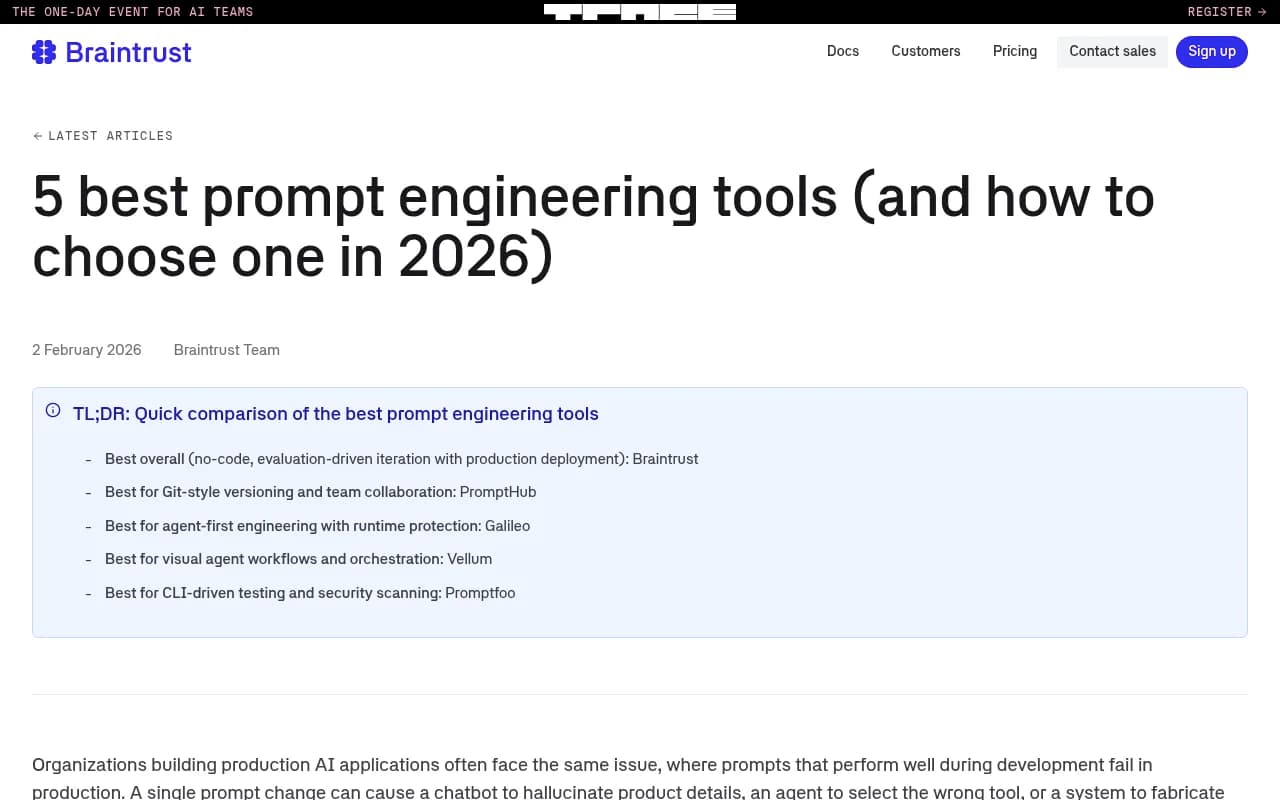
Tools that do this well:
- Braintrust: Evaluation-driven iteration with production deployment. Test prompts against datasets, compare versions side-by-side, and deploy with confidence.
- Promptfoo: CLI-driven testing and security scanning. Run automated tests locally or in CI/CD pipelines.
2. Version control that works like Git
Prompt engineering is iterative. You try a version, it fails, you tweak it, it works, then someone else changes it and everything breaks. Without version control, you're flying blind.
What good version control looks like:
- Unique identifiers: Every prompt version gets a hash or ID. You can reference "prompt v47" in a bug report and everyone knows exactly what you're talking about.
- Diff views: See what changed between versions—not just the text, but parameters like temperature, max tokens, and model selection.
- Rollback: When a new version causes problems, revert to the previous version with one click.
- Branching: Test experimental prompts in a separate branch without affecting production.
Why this matters: When a prompt breaks in production, you need to know what changed and when. Tools that treat prompts like code—with full version history and diff tools—make debugging fast instead of painful.
Tools that do this well:
- PromptHub: Git-style versioning and team collaboration. Treat prompts like code with branches, commits, and pull requests.
- Vellum: Visual agent workflows with version control for complex prompt chains.
3. Production monitoring that tracks real performance
Development testing tells you if a prompt works in theory. Production monitoring tells you if it works in practice.
What production monitoring includes:
- Live performance metrics: Track response time, token usage, error rates, and user satisfaction scores in real time.
- Citation accuracy: For RAG systems, monitor whether the model cites the correct sources and whether those citations are accurate.
- Tool selection: For agents, track which tools are called, how often, and whether the agent makes the right choice.
- User feedback loops: Capture thumbs up/down, explicit feedback, and implicit signals (did the user rephrase their question?).
Why this matters: A prompt that scores well in testing can still fail in production because real users ask questions you didn't anticipate. Monitoring closes the loop—you see what's actually happening and adjust accordingly.
Tools that do this well:
- Braintrust: Production monitoring with the same metrics you used during development. Track live performance and connect it back to prompt versions.
- Galileo: Agent-first engineering with runtime protection. Monitor agent behavior in production and catch failures before they escalate.
4. Dataset management that captures edge cases
You can't improve what you don't measure, and you can't measure without good test data.
What good dataset management looks like:
- Production trace capture: Automatically log real user queries and model responses. These become your test cases.
- Edge case libraries: Manually add scenarios where the model failed—hallucinations, refusals, off-topic responses.
- Synthetic data generation: Use LLMs to generate test cases for scenarios you haven't seen yet (e.g., "What if a user asks about a product that doesn't exist?").
- Dataset versioning: Track changes to your test datasets over time. If you add 50 new test cases, you should be able to see how your prompts perform against them.
Why this matters: Most teams test prompts against a handful of examples they made up. Good tools help you build comprehensive test suites that reflect real-world usage—including the weird edge cases that break things.
5. Prompt playgrounds that support rapid iteration
Before you commit to a prompt version, you need to experiment. Playgrounds make this fast.
What a good playground includes:
- Side-by-side comparison: Test multiple prompt versions or models simultaneously and compare outputs.
- Parameter tuning: Adjust temperature, max tokens, top-p, and other settings in real time without writing code.
- Context injection: Add system messages, few-shot examples, and retrieved documents to see how they affect output.
- Model switching: Test the same prompt across GPT-4, Claude, Gemini, and other models to see which performs best.
Why this matters: Writing prompts in a text editor and then deploying them to test is slow. Playgrounds let you iterate in seconds, not minutes, which means you try more ideas and find better solutions.
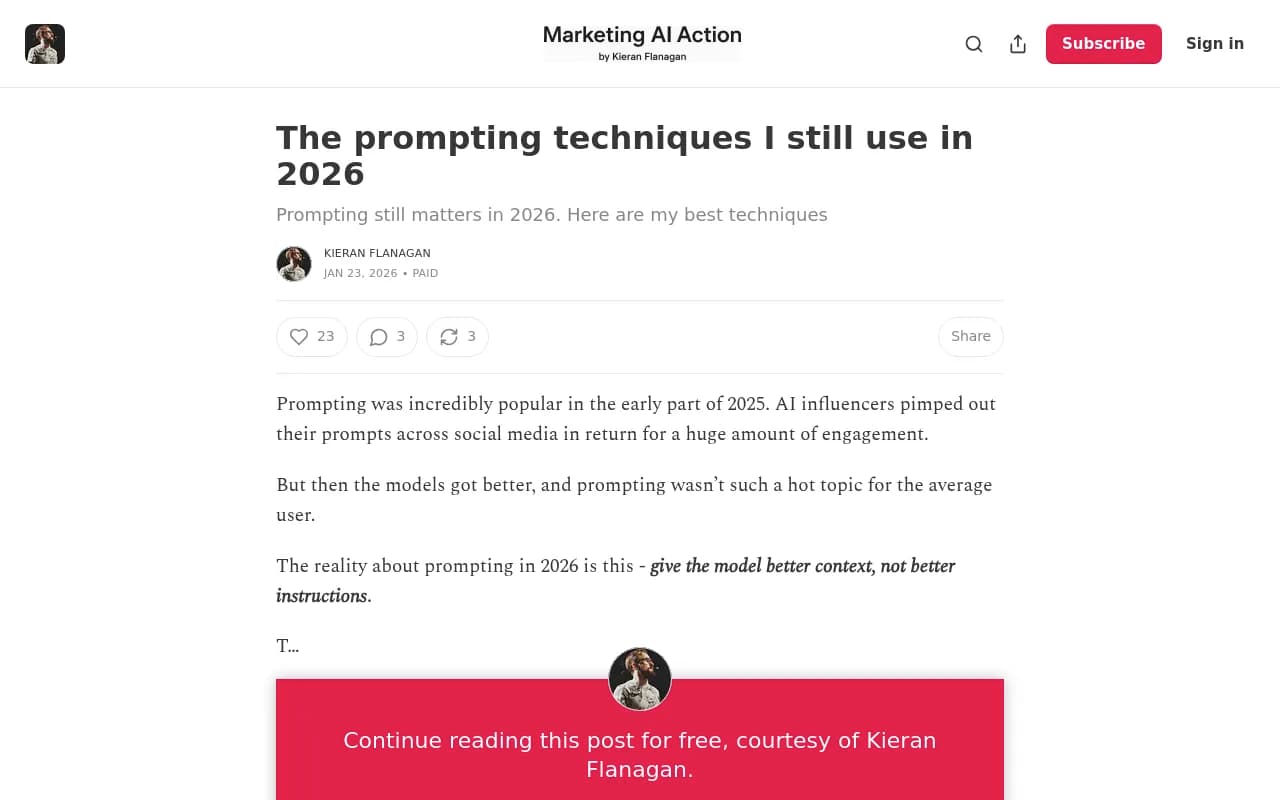
Tools that do this well:
- Vellum: Visual agent workflows and orchestration. Build complex prompt chains in a drag-and-drop interface.
- Braintrust: No-code playgrounds with side-by-side comparison and parameter tuning.
6. Team collaboration features that prevent siloing
Prompt engineering is rarely a solo activity. Multiple people—engineers, product managers, domain experts—need to contribute. Tools that don't support collaboration become bottlenecks.
What good collaboration looks like:
- Shared workspaces: Everyone on the team can see all prompts, versions, and test results.
- Comments and reviews: Leave feedback on specific prompt versions. "This works but the tone is too formal."
- Role-based access: Engineers can deploy prompts, but product managers can only view and comment.
- Change logs: See who changed what and why. "Sarah updated the system message to fix hallucinations."
Why this matters: When prompts live in someone's local environment or a private notebook, knowledge gets siloed. Good tools make prompts a shared asset that the whole team can improve.
Tools that do this well:
- PromptHub: Team collaboration with Git-style workflows. Review prompt changes like code reviews.
- Vellum: Visual workflows that non-technical team members can understand and contribute to.
7. Security and compliance features for production use
If you're building customer-facing AI features, you need to think about security and compliance from day one.
What security features include:
- Prompt injection detection: Scan prompts for adversarial inputs that could manipulate the model into ignoring instructions.
- PII redaction: Automatically detect and remove personally identifiable information from prompts and responses.
- Audit logs: Track who accessed which prompts, when, and what they changed.
- Access controls: Restrict who can view, edit, and deploy prompts.
Why this matters: A single prompt injection attack can expose sensitive data or cause your AI to behave unpredictably. Tools that build security in—not as an add-on—help you avoid these risks.
Tools that do this well:
- Promptfoo: CLI-driven testing and security scanning. Run automated security checks as part of your CI/CD pipeline.
- Galileo: Runtime protection for agents. Detect and block adversarial inputs in production.
8. Integration with your existing stack
A prompt tracking tool that doesn't integrate with your existing workflow is a tool you won't use.
What good integrations look like:
- API access: Pull prompt versions programmatically and deploy them in your application.
- CI/CD integration: Run prompt tests as part of your build pipeline. If tests fail, the deployment fails.
- Observability tools: Send prompt performance data to Datadog, New Relic, or your existing monitoring stack.
- LLM provider support: Work with OpenAI, Anthropic, Google, and other providers without vendor lock-in.
Why this matters: If using the tool requires switching contexts or learning a new workflow, adoption will be slow. Tools that fit into your existing stack get used.
How to choose a prompt tracking tool
Not every team needs every feature. Here's how to prioritize based on your use case:
If you're building customer-facing AI features: Prioritize evaluation frameworks, production monitoring, and security features. You need to catch issues before users do, and you need to know when things go wrong in production.
Recommended tools:
- Braintrust for evaluation-driven iteration and production monitoring
- Galileo for agent-first engineering with runtime protection
If you're experimenting with AI internally: Prioritize prompt playgrounds, version control, and team collaboration. You need to iterate fast and share learnings across the team.
Recommended tools:
- PromptHub for Git-style versioning and team collaboration
- Vellum for visual agent workflows and orchestration
If you're building agents or complex workflows: Prioritize dataset management, evaluation frameworks, and production monitoring. Agents are harder to test and debug than simple prompts, so you need robust tooling.
Recommended tools:
If you're working in a regulated industry: Prioritize security features, audit logs, and compliance tooling. You need to prove that your AI behaves predictably and doesn't leak sensitive data.
Recommended tools:
Comparison table: Top prompt tracking tools in 2026
| Tool | Best for | Starting price | Key strength | Weakness |
|---|---|---|---|---|
| Braintrust | Evaluation-driven iteration | Free tier available | Production deployment with testing | Learning curve for advanced features |
| PromptHub | Git-style versioning | $29/month | Team collaboration workflows | Limited evaluation features |
| Galileo | Agent-first engineering | Custom pricing | Runtime protection | Higher price point |
| Vellum | Visual agent workflows | Free tier available | Non-technical user friendly | Less suited for code-first teams |
| Promptfoo | CLI-driven testing | Open source (free) | Security scanning | Requires technical setup |
What about AI visibility tools like Promptwatch?
If you're building AI features that need to be discoverable by AI search engines—think ChatGPT, Claude, Perplexity—you also need to track how AI models cite and recommend your content. That's a different problem from prompt tracking, but it's increasingly important.
Promptwatch is the market-leading Generative Engine Optimization (GEO) platform. It tracks your brand's visibility across 10 AI models, shows you which prompts competitors rank for but you don't, and helps you create content that gets cited. Unlike monitoring-only tools, Promptwatch includes an AI writing agent that generates articles grounded in real citation data—content engineered to rank in AI search.

If your goal is to be visible in AI search results (not just to build better prompts internally), Promptwatch is the tool to use. It closes the loop: find gaps in your AI visibility, generate content that fills those gaps, and track the results.
The bottom line
Most prompt tracking tools are either too simple (just logging prompts) or too complex (requiring data science expertise). The best tools strike a balance: they make it easy to iterate on prompts, test them systematically, and monitor performance in production.
The eight features above—evaluation frameworks, version control, production monitoring, dataset management, prompt playgrounds, team collaboration, security features, and integrations—separate tools that actually help from those that just add overhead.
Choose based on your use case. If you're building customer-facing features, prioritize evaluation and monitoring. If you're experimenting internally, prioritize playgrounds and collaboration. If you're building agents, prioritize dataset management and runtime protection.
And if you're trying to be visible in AI search—not just build better prompts—add Promptwatch to your stack. It's the only platform that helps you track, optimize, and improve how AI models cite your brand.