Key takeaways
- ChatGPT rarely invents brand facts from nothing. It usually repeats a claim it found on a page, often yours, sometimes a review, a forum thread or an old bio.
- For branded questions, your own product and landing pages are the biggest source. They made up 23.3% and 22.8% of ChatGPT citations on branded prompts (Promptwatch Data, Sep 28 to Oct 4, 2026).
- Wrong facts on landing, docs and pricing pages can stay cited for months, so you have to fix the source page, not wait for it to fade.
- The workflow: collect the wrong claims, run the right short queries, read the citations, check what your site says, fix it, then re-check.
- Tools like Promptwatch can automate the claim collection and page tracing. You can start by hand with a spreadsheet.
Why ChatGPT gets facts about your brand wrong
OpenAI's own help center is blunt about it: ChatGPT can produce incorrect or misleading output, including wrong definitions, dates and facts, and it can be overconfident on ambiguous questions. That is the model side. Most of the guidance you find online stops there and tells you to double-check everything.
That advice is useless if you are a marketer and the wrong fact is about your company. You need to know where the model learned it. With search-enabled ChatGPT, the answer is often a page it just retrieved.
There are a few usual suspects:
- An outdated pricing, features or integrations page on your own site.
- Two pages on your site that disagree with each other (old blog post vs current docs).
- A third-party review, comparison or listicle with stale information.
- Press releases, bios and profile pages that tell slightly different stories. Kalicube describes this exact problem: an old bio, a conference page and a LinkedIn profile each say something different, and the AI cannot tell which one is current.
- Model memory from training data, which no page on the web can fix quickly.
The first four are fixable. Your job is to work out which one you are dealing with.
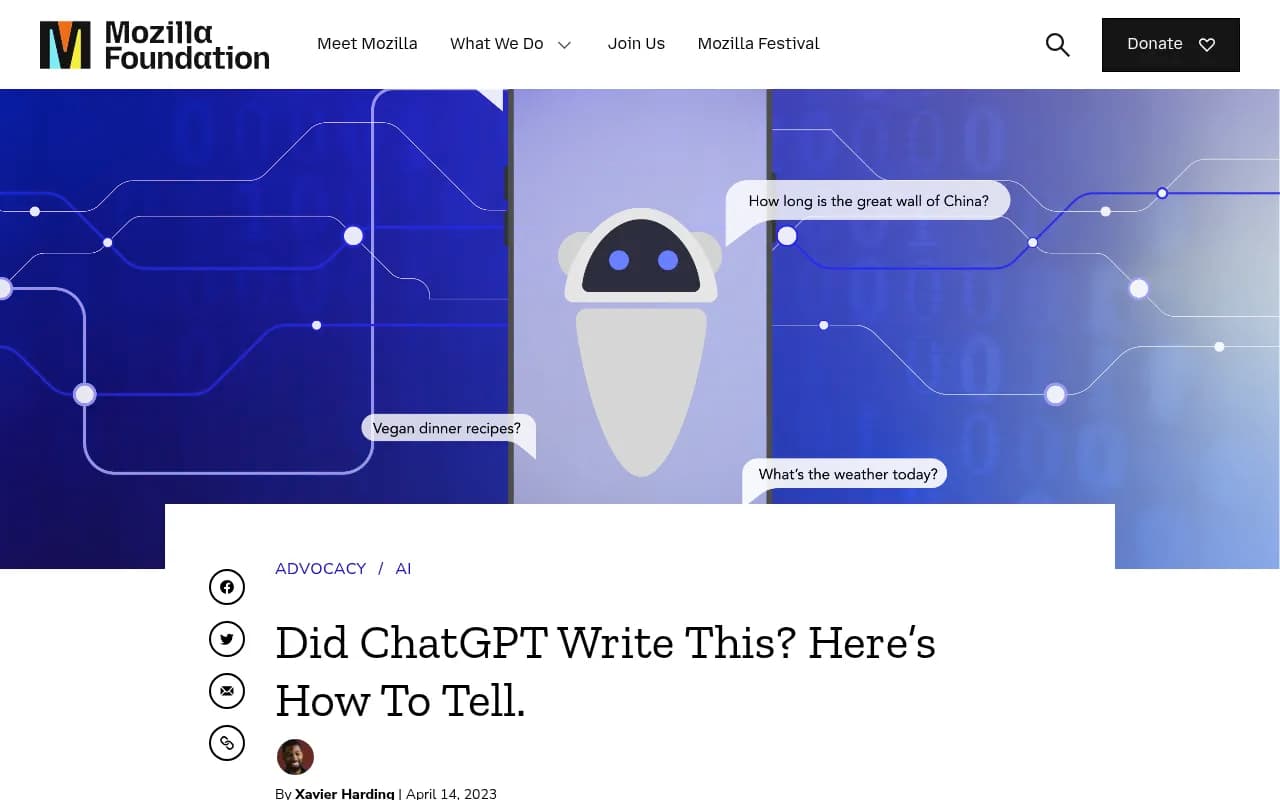
Mozilla's piece is a good primer on how confidently ChatGPT states inaccurate information. It is aimed at readers, though. What follows is the publisher's side of the problem.
Why your own pages are the first place to look
Promptwatch Data looked at what ChatGPT cited from Sep 28 to Oct 4, 2026. Across all prompts, product pages were 22.4% of citations and landing pages 16.8%. On branded prompts, where people ask about a specific company, the picture was tighter: product pages 23.3% and landing pages 22.8%. Reviews were 5.6%, FAQ pages 4.8%, social posts 3.0% and press releases 2.1%. You can read the breakdown in the citation share by content type report.
So when ChatGPT answers "how much does X cost" or "does X integrate with Y", the likeliest source is a page you control. That is good news. It means the audit usually ends with an edit you can make yourself.
Why a bad page lingers
There is a catch. Pages do not drop out of ChatGPT's citations quickly. In Promptwatch's content half-life study, which tracked every page cited on July 6, 2026 through Oct 4, 2026:
- 78% of landing pages and 76% of docs were still cited after 30 days.
- After 60 days, 69% of landing pages and 67% of docs were still cited.
- Product pages, reviews and how-tos sat around 55% at day 60, with half-lives of 74 to 77 days.
- News was the exception. Half of news pages were gone after 36 days.
Pricing pages count as landing or product pages in that data. So a wrong pricing claim can be cited for a quarter or more. Fix the page. Do not wait.
Step 1: Write down the wrong claims
Start with a list, not a tool. Open a spreadsheet with these columns: claim, where you saw it, prompt used, model, date, and suspected source.
Collect claims from:
- Your sales and support teams. They hear "ChatGPT told me you don't offer X" constantly.
- Your own testing. Ask ChatGPT questions the way a buyer would, in the same language and country as your target market.
- Brand-specific and comparison prompts, such as "[brand] pricing", "[brand] vs [competitor]", "does [brand] support [feature]".
Be precise. "ChatGPT says our starter plan costs $29" is a claim you can trace. "ChatGPT gets our pricing wrong" is not.
Group repeated claims. If five prompts produce the same wrong statement, it probably comes from one prominent page, which is where you want to spend your time.
Step 2: Test the short queries, not just the prompt
This part is easy to miss. ChatGPT does not usually match your whole prompt against the web. It runs its own searches. According to Promptwatch's query fanout data, ChatGPT averaged about 2.15 searches per response in early December 2025, easing to roughly 1.84 by early March 2026. Average query length fell from about 117 characters to the high 80s, then to around 53 characters from April.
Short, keyword-style queries mean short, keyword-style matches. Your pages compete on things like:
- "[brand] pricing"
- "[brand] vs [competitor]"
- "[brand] integrations"
- "[brand] reviews"
Run those in Google and Bing yourself and look at what ranks. Whatever sits at the top of those results is a strong candidate for what ChatGPT read. There is also a free Chrome extension, the GEO Inspector, that shows the fan-out queries and the fetched versus cited sources for a ChatGPT response, which saves guessing.
ChatGPT's retrieval behavior has changed more than once. On August 8, 2026 it began using the site: operator at scale, jumping from about 0.4% to about 17% of fan-out queries (Promptwatch Data). That means your own domain may be queried directly for brand questions. Another reason your site's wording matters.
Step 3: Read the citations and match them to pages
For each wrong claim, open the sources ChatGPT lists. Note three things:
- Is one of the cited URLs on your domain?
- If yes, does that page actually say the wrong thing, or say something ambiguous?
- If no, which third-party page does it cite, and what does it say?
The Baylor Libraries SIFT method (Stop, Investigate the source, Find better coverage, Trace claims) is built for students, but the last step is exactly what you are doing here: trace the claim back to where it started.
One trap: ChatGPT sometimes cites a page that does not contain the claim. Citations can be loosely attached to a sentence. Always open the page and search for the specific number or phrase. If it is not there, the claim may come from somewhere else, or from model memory.
Sorting what you find
| What you find | Likely cause | What to do |
|---|---|---|
| Your page states the wrong fact | Outdated or incorrect content | Edit the page, update the date, remove the old claim |
| Your page is vague and ChatGPT filled the gap | Missing or ambiguous information | Add a plain statement of the fact, in text, near the top |
| Two of your pages disagree | Old blog post vs current page | Update or redirect the old one, link to the canonical page |
| A third-party page states it | Stale review, listicle, directory | Request a correction, publish your own clear page |
| No cited page contains the claim | Model memory or a misread | Publish authoritative pages, keep monitoring |
Step 4: Audit your own site for conflicting statements
This is where most teams find the problem. Search your site, not just Google, for every place a fact appears. If the wrong claim is about price, search for the old price. If it is a feature, search for the feature name and old names for it.
Check these page types first, since they carry the most weight:
- Pricing and plans pages
- Product and feature pages
- Comparison pages, including ones you wrote about competitors
- Documentation and help center articles
- FAQ pages
- About page, founder bios, press kit
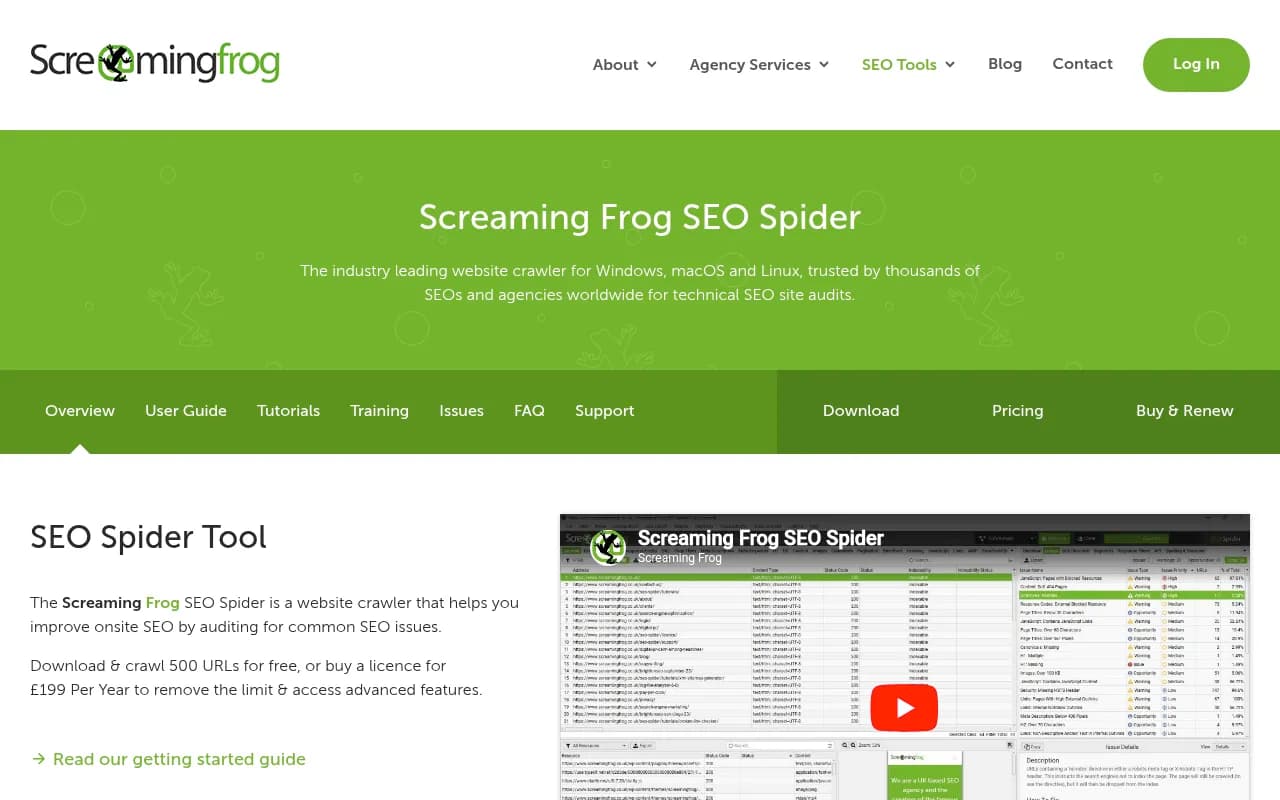
Tools that can help with the mechanics: Screaming Frog SEO Spider can crawl your site and extract text so you can search for contradictions in bulk.
Google Search Console shows which of those pages actually get impressions, which tells you which stale pages are most visible.
Also check whether AI crawlers can read the current version of the page at all. If your updated pricing sits behind JavaScript that bots do not render, the old cached statement elsewhere may win. IP-verified AI crawler logs show which pages bots read and where they hit errors. Promptwatch's AI crawler logs cover this, and the free Agentic Readiness Check gives a quick first look at which AI crawlers can reach your site.
Step 5: Fix the source, not just the symptom
A few rules that hold up well:
- State the fact plainly. "The Pro plan costs $245 per month, billed monthly" beats a marketing paragraph. Models quote what is easy to quote.
- Put it in text, not only in an image or a pricing-table widget.
- Make one page the canonical source for each fact, and make every other page agree with it or link to it.
- Date it. A visible "last updated" line helps both humans and retrieval.
- Retire stale pages. Redirect old pricing and feature posts to current ones, or rewrite them.
- Do not argue with the model on the page. Do not write "ChatGPT says X, but that is wrong." Just state the right fact.
For wrong claims that originate on third-party pages, the order of effort is: ask for a correction, publish a clearer page that is likely to rank for the same short query, and update your profiles on review and directory sites. Do not expect every site to respond.
If you want to know which third-party sites matter most in your category, look at citation patterns for your industry. Promptwatch publishes some by sector, for example software, where GitHub, Microsoft docs and G2 lead, and documentation and help centers earn the largest share.
Step 6: Check that the fix worked
Editing a page proves nothing until the answer changes. Re-run the same prompts and the same short queries a few days later, then again at two and four weeks. Write the result in your spreadsheet next to the original claim.
Expect lag. The half-life numbers above are the reason: pages that were cited keep getting cited for a while. Look for three signals:
- The wrong claim appears less often across repeated runs, since single answers vary.
- The cited URL changes to your updated page.
- AI crawlers have fetched the new version. Crawler logs are the cleanest evidence.
One limit I would flag: a single clean answer is not a fix. ChatGPT responses vary run to run, so test each prompt several times before you call it done.
Doing this by hand vs with a tool
A manual process works for a handful of claims. It breaks down when you have many products, markets or languages, or when you want weekly checks. Here is how the options stack up.
| Approach | Good for | Limits |
|---|---|---|
| Spreadsheet plus manual ChatGPT testing | A few claims, one market | Slow, answers vary, no history |
| Search Console plus a site crawler | Finding stale pages and contradictions | Does not show what AI says |
| AI visibility trackers | Monitoring mentions and sentiment over time | Many stop at reporting |
| End-to-end GEO platform | Claims, source pages, crawler data and fixes in one place | Paid, needs setup |
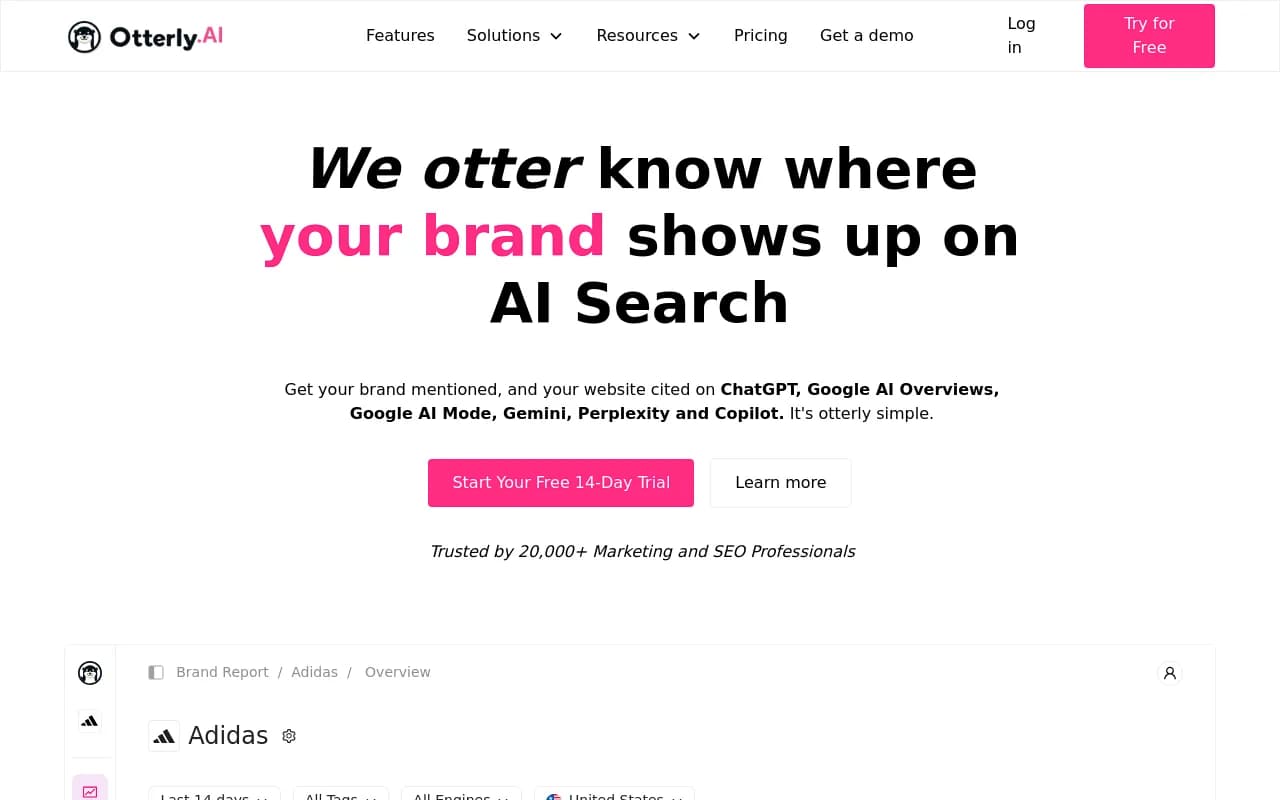
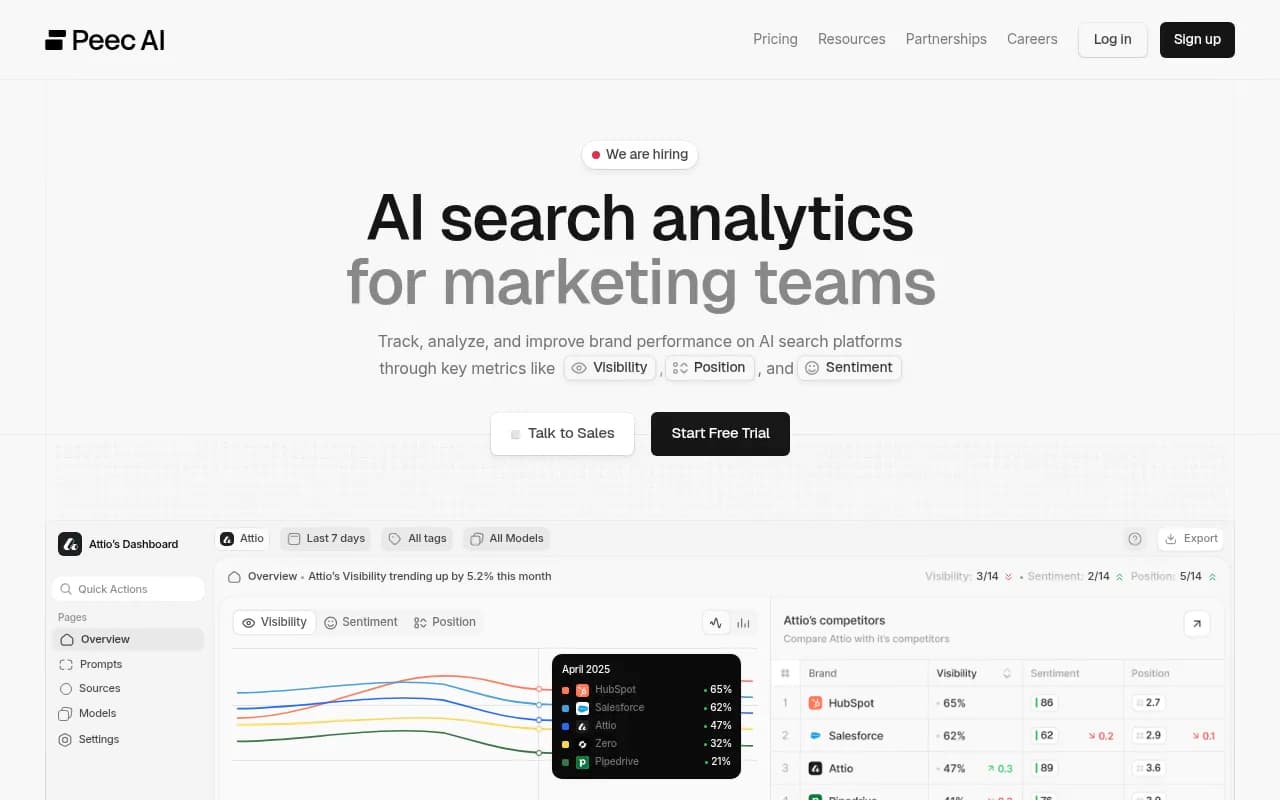
On the tracking side, tools such as Otterly.AI, Peec AI and LLMClicks (which advertises hallucination detection) monitor what AI says about you. Directories like bestgeosoftware.com list more of them if you want to compare.

Promptwatch is built around the claim-to-page problem described here. Its Brand Narrative feature pulls the individual claims AI makes about you out of tracked responses and groups repeated ones. On Business and higher plans, Fact Check lets you mark a claim as accurate or inaccurate, then reads the pages crawled from your site to find the ones that state it or its opposite, with quotes and a suggested next step. Page Tracker shows which prompts and responses cite a given URL, and visitor analytics show whether the fixed page still sends traffic. It also covers real ChatGPT, Gemini, Perplexity and AI Overviews interfaces rather than only API output, which matters because user-facing answers can differ.

Fact Check starts on the Business plan at $579 per month, while Brand Narrative is on every plan. Confirm current details at promptwatch.com/pricing. There is a 7-day free trial on monthly billing, and a free AI visibility report if you only want a first look.
A short checklist
- Collect 10 to 20 specific wrong claims from sales, support and your own testing.
- Test each with the short queries ChatGPT is likely to run.
- Open every cited URL and search it for the claim.
- Classify each claim: your page, conflicting pages, third party, or model memory.
- Fix the canonical page first, then retire or redirect stale ones.
- Confirm crawlers can read the updated page.
- Re-test at one, two and four weeks, several runs each.
Final thoughts
The uncomfortable truth is that most wrong ChatGPT facts about a brand trace back to a messy website. An old pricing post, a feature page that never got updated, a bio nobody owns. The model is just repeating what it found. That makes the problem boring and fixable, and the teams that treat it as a content audit rather than an AI mystery tend to see the answers change first. If you want help building the process for your own site, the agency behind this directory, 1001 SEO Media, runs GEO audits as part of its services.