Key takeaways
- Firecrawl is the easiest pick for clean, LLM-ready markdown and whole-site crawling. Its free plan is 1,000 credits a month.
- Apify is the right call when a ready-made scraper (an Actor) already exists for your target site. Pin the Actors you trust.
- Bright Data is the heaviest hitter for blocked sites and multi-engine SERP data, with a free tier of 5,000 requests a month.
- Browserbase is browser infrastructure first. Its Search and Fetch APIs are newer, so pick it when your agent needs real browser sessions.
- Plenty of production agents mix two or three of these rather than picking one.
What an MCP server does for scraping and SERP work
LLMs can't fetch a URL on their own. The Model Context Protocol, an open standard from Anthropic, fixes that by letting a client such as Claude Desktop, Claude Code, Cursor or VS Code call tools exposed by a server. Install a scraping MCP server and your agent can read live pages, run searches, and pull structured data without you writing glue code.
The catch is that all MCP servers are not the same thing. Some are thin wrappers over a scraping API. Some are marketplaces. Some are browser farms. The question to ask is where the fetch actually happens: on a scraping network with proxies and unblocking, or on your own machine with your own IP. If a model reasons over a block page because the fetch failed quietly, you get a confident wrong answer. That's the real risk, more than any missing feature.
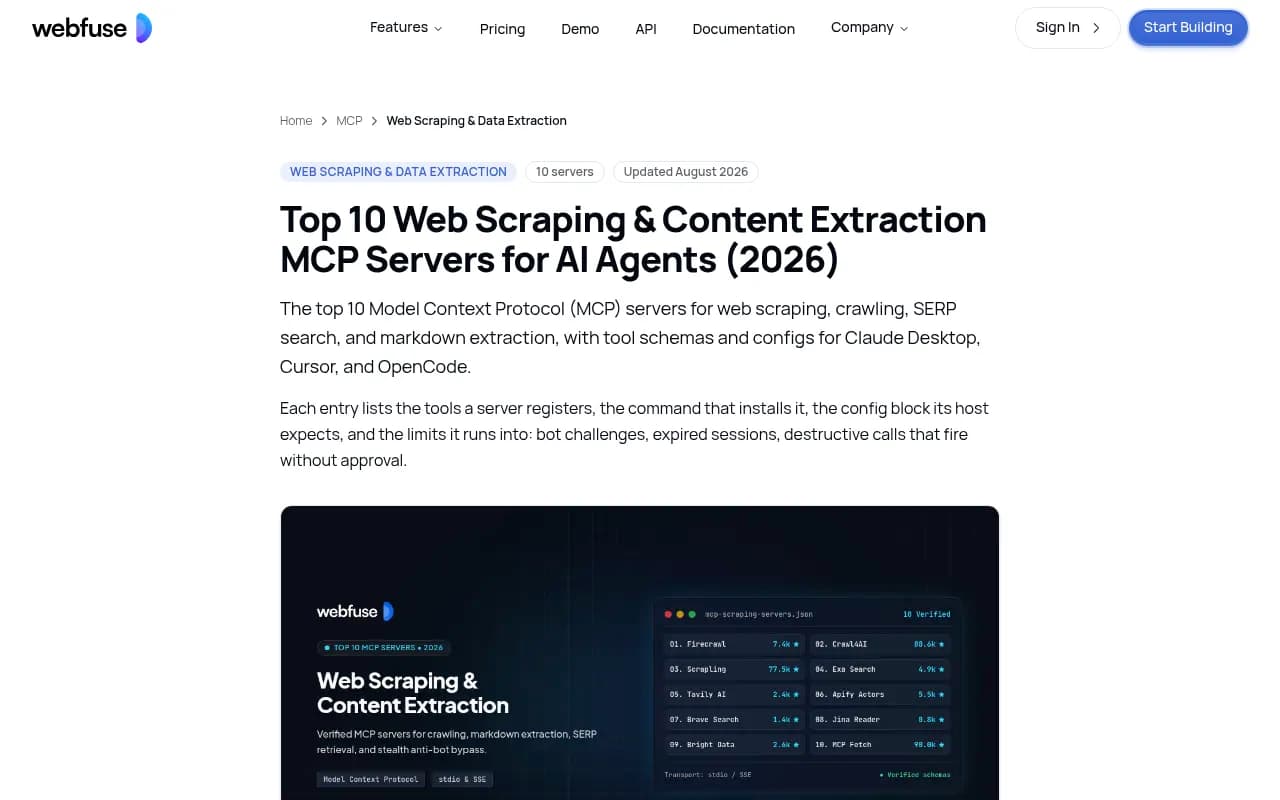
This guide covers four servers for web scraping and SERP data. The research behind it comes from vendor docs and pricing pages, plus third-party comparisons from Webfuse, Crawlbase, String AI and Use Apify. Vendor-run comparisons lean toward their own product, so I've flagged where that matters.
The four servers at a glance
| Server | Core strength | SERP data | Free tier | Hosted or local |
|---|---|---|---|---|
| Firecrawl MCP | Crawling and markdown extraction | Yes, via firecrawl_search | 1,000 credits/month, no card | Both, plus self-hosted |
| Apify MCP | Marketplace of pre-built Actors | Via Actors such as a Google search scraper | $5 monthly platform credit | Both |
| Bright Data MCP | Unblocking, proxies, structured data | Google, Bing, Yandex | 5,000 requests/month, no card | Both |
| Browserbase | Cloud browsers with stealth and captcha solving | Search API (Parallel, Exa) | 1,000 Search and 1,000 Fetch calls | Hosted |
Firecrawl MCP
Firecrawl is the one I'd install first if you're unsure. It consolidates scrape, search, crawl, map and browser interaction behind one key, and it returns markdown or JSON that a model can read without cleanup. The core is open source, and the company says it is SOC 2 Type II certified.
The MCP server is MIT licensed. Crawlbase's roundup lists tools such as firecrawl_scrape, firecrawl_map, firecrawl_search and firecrawl_crawl, plus parse and agent tools, 26 in the full profile. It's hosted at mcp.firecrawl.dev, runs locally with npx -y firecrawl-mcp, or points at a self-hosted Firecrawl.
Setup in Claude Code
claude mcp add-json "firecrawl" '{
  "command": "npx",
  "args": ["-y", "firecrawl-mcp"],
  "env": {
    "FIRECRAWL_API_KEY": "your-api-key"
  }
}'
Then prompt it plainly: "Use Firecrawl to scrape https://example.com and summarize it."
Pricing and gotchas
From Firecrawl's pricing page (effective September 4, 2026):
| Plan | Credits/month | Monthly | Annual (per month) |
|---|---|---|---|
| Free | 1,000 | $0 | $0 |
| Hobby | 5,000 | $19 | $16 |
| Standard | 100,000 | $99 | $83 |
| Growth | 500,000 | $399 | $333 |
| Scale | 1,000,000 | $749 | $599 |
Scrape, crawl and map cost 1 credit per page. Search costs 2 credits per 10 results. The browser (Interact) costs 2 credits per browser minute, and JSON extraction adds 4 credits per page. One real pitfall: a page that returns a 403 or 404 is still returned and still costs a credit. A scrape that returns nothing isn't charged. Credits are shared across endpoints, and only Scale and Enterprise roll them over.
In String AI's 500-attempt benchmark, Firecrawl succeeded 80.2% of the time, with strong results against Cloudflare, PerimeterX and Kasada. Take any single benchmark with salt, since results depend on the target mix, but the ordering is useful.
Best for: documentation, articles, whole-site crawls, and anything you'll feed into a RAG pipeline.
Apify MCP
Apify is a marketplace more than a scraper. Its Store holds tens of thousands of Actors, containerized scrapers for Amazon, LinkedIn, Google Maps, TikTok, Reddit and so on. Counts vary by source (anywhere from 8,000 to 70,000 depending on the page), so check the Store before quoting a number to anyone.
The MCP server connects your assistant to those Actors. By default it exposes search-actors, fetch-actor-details and call-actor, plus two preloaded Actors: apify/rag-web-browser and apify/web-fetch. The latter fetches one URL, renders JavaScript and handles anti-bot protection.
Setup
Remote (hosted, OAuth or bearer token):
{"mcpServers":{"apify":{"url":"https://mcp.apify.com/"}}}
Local over stdio:
npx -y @apify/actors-mcp-server
The local path needs an APIFY_TOKEN environment variable. You can trim the tool set with a query string, for example ?tools=actors,docs,apify/rag-web-browser.
Things that trip people up
call-actorwaits up towaitSecs(0 to 45, default 30) and returns run status and storage IDs, not the results. Your agent needs a follow-up step to read the dataset.- Run limits like
memory,timeout,maxItemsandmaxTotalChargeUsdgo incallOptions, not the Actor input. SettingmaxTotalChargeUsdis a cheap guardrail against runaway spend. - Cost is hard to predict. A Capterra reviewer in April 2026 put it bluntly: estimating the cost of a new Actor run before executing it is largely guesswork.
- For production, pin the Actors you trust rather than letting the model browse the whole store.
Pricing: Free includes $5 of monthly usage, Starter is $19 a month plus pay as you go, Scale is $199 and Business is $999. Some third-party pages still quote $29 for the entry plan. Apify's own pricing page says $19, so go with that and confirm at checkout. Each Actor bills either per usage or per event, so every Store Actor has its own price.
Best for: structured data from a named site where an Actor already exists, especially social platforms and e-commerce.
Bright Data MCP
Bright Data's advantage is infrastructure. It runs a proxy network of 400M+ IPs across 195 countries, and every request the MCP server makes goes through that machinery. Crawlbase calls its open-source MCP server (MIT) the broadest of the group: search across Google, Bing and Yandex, scrape_as_markdown with batch scraping, a family of web_data_* tools for structured data from sites like Amazon and LinkedIn, and 13 browser automation tools.
You can use the hosted endpoint at mcp.brightdata.com or run it locally:
npx @brightdata/mcp
The free allowance is 5,000 requests a month with no card, renewing on the 1st. A "Rapid" mode exposes just two everyday tools, search and scrape as markdown, which keeps your context window lean. That matters, because the full tool set is large and a long tool list eats tokens and confuses smaller models.
Where it wins and where it doesn't
String AI's benchmark gave Bright Data 74.6% overall, 100% against PerimeterX and on social media sites, but only 47.4% against DataDome and 25% on ticketing sites. So the unblocking reputation is earned but not universal. Pay as you go on the Web Unlocker runs $1.50 per 1,000 successful requests, and the Scale tier is $499 a month. I couldn't confirm the paid MCP rates, so check brightdata.com/pricing/mcp-server before budgeting.
Best for: protected e-commerce, geo-restricted content, and teams that need SERP data across several engines on one contract. For a hobby project it's more than you need.
Browserbase
Browserbase is the odd one out, and the research is thinner here than for the other three. It's cloud browser infrastructure that supports Playwright, Puppeteer, Selenium and its own Stagehand framework. Search and Fetch APIs came later. I wasn't able to confirm the specifics of its MCP server, so treat the tool list as something to verify in its docs.
What I can confirm is the pricing, which is built around browser hours rather than credits per page:
| Plan | Price | Concurrent browsers | Browser hours | Notable inclusions |
|---|---|---|---|---|
| Free | $0 | 3 | 1 | 1,000 Search and 1,000 Fetch calls, no captcha solving or stealth |
| Developer | $20/mo | 25 | 100, then $0.12/hr | Auto captcha solving, basic stealth, 30-day retention |
| Startup | $99/mo | 100 | 500, then $0.10/hr | 10,000 Fetch calls, 5 GB proxies |
| Scale | Custom | 250+ | Custom | Advanced stealth, HIPAA BAA, SSO |
Search runs per 1,000 calls: $1 for Parallel Fast, $5 for Parallel Advanced, $7 for Exa. Search is capped at 2 requests per second per project and Fetch at 5. Fetch add-ons are $4 per 1,000 with proxies or Extract, $7 with both.
Browserbase's own estimate is that a typical scrape takes under two minutes, so 100 browser hours covers roughly 3,000 page-level tasks. That's useful for sanity-checking cost.
Best for: agents that must log in, click through flows, fill forms, or handle sites that need a real browser session. For plain page-to-markdown reads, it's overkill and likelier to cost more.
Choosing by job
| Your job | Start with | Why |
|---|---|---|
| Feed docs or articles into an LLM | Firecrawl | Markdown output, crawl and map built in |
| Scrape Amazon, LinkedIn, Google Maps | Apify | Pre-built Actors, no scraper to maintain |
| Hit sites that actively block bots | Bright Data | Residential proxies and unblocking always on |
| Pull SERPs from several engines | Bright Data | Google, Bing and Yandex in one server |
| Multi-step flows needing a real browser | Browserbase | Cloud browsers, captcha solving, session control |
| Cheapest way to try anything | Firecrawl or Bright Data | Free tiers need no card |
One Use Apify guide notes that many production agents use all three of the main servers: Firecrawl for documentation, Apify for social data, Bright Data for protected e-commerce. Keep in mind that Use Apify has an obvious bias, but the split matches how the tools are priced and built.
Other servers worth a look
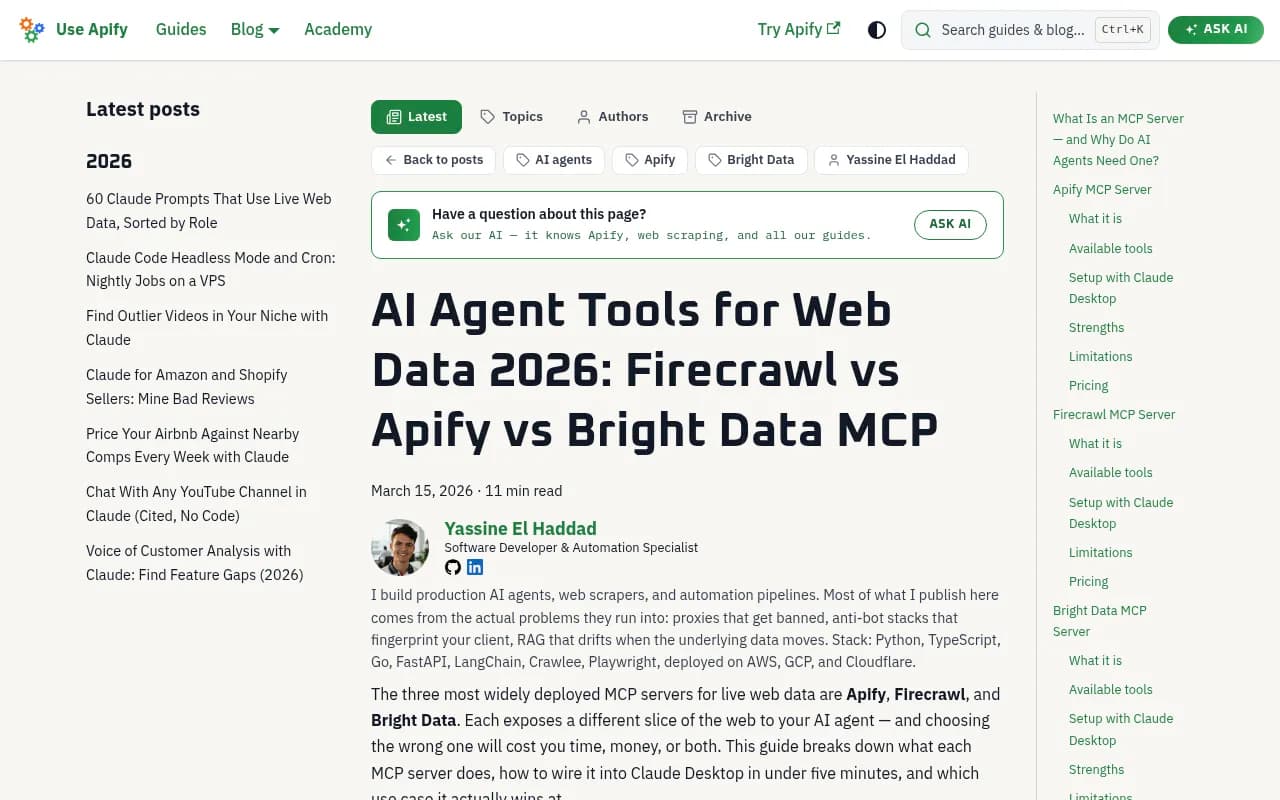
If none of the four fit, the Webfuse list covers more ground. Exa and Tavily are search-first servers built for grounding and research. Brave's server handles privacy-focused search and local lookups. Jina turns any URL into clean markdown. The reference fetch server from the MCP project is keyless and respects robots.txt, which makes it a decent zero-setup baseline. Crawl4AI and Scrapling are self-hosted options for people who want to run everything on their own machine. Be careful with the star counts on that list, since the Crawl4AI and Scrapling figures (80.6k and 77.5k) likely reflect the main projects rather than their MCP wrappers.
For browsing more tools in this space, the agentic SEO tools directory is a good starting point.
Practical tips before you wire one up
- Test on your own URLs. Take 50 real pages you care about, run them through two servers, and count how many come back usable. Vendor benchmarks use their own mix.
- Trim the tool list. Both Apify (
?tools=) and Bright Data (Rapid mode) let you expose fewer tools. Fewer tools means fewer wasted tokens and fewer wrong calls. - Set spend caps. Use
maxTotalChargeUsdon Apify and watch the credit burn on Firecrawl, where 403 and 404 pages still cost a credit. - Verify what came back. A model will happily summarize a CAPTCHA page. Log the fetched content or have a check step that confirms the page isn't a block.
- Mind the legal side. Respect robots.txt and terms of service, and avoid personal data you have no basis to collect.
Monitoring how AI sees your own site
A side note if your reason for scraping is SEO work. Scraping tells you what other sites say. It won't tell you whether ChatGPT or Perplexity cite your pages. For that, a visibility platform such as Promptwatch tracks brand mentions and citations across AI answers.

Bottom line
Pick Firecrawl for markdown and crawling, Apify when an Actor already exists, Bright Data when sites fight back or you need multi-engine SERPs, and Browserbase when the task needs a real browser. Start on the free tiers, run the same 50 URLs through each, and keep the one whose output you'd actually trust.