Key takeaways
- Google AI Mode results vary by searcher location, so a single check from your office doesn't tell you what a customer in a different neighborhood sees.
- There's no official "AI Mode local pack" API yet, which means tracking requires a mix of manual prompting, location-emulation tools, and AI visibility platforms built for this.
- Business websites supply roughly 68% of the citations behind local AI answers, while Google's own surfaces (Business Profile, Maps) supply around 3%, according to Cheers' research based on 49,677 local-intent runs. Your website and third-party mentions matter more than your profile alone.
- Set up a repeatable weekly or monthly check: pick representative cities or ZIP codes, run the same set of customer questions through AI Mode from each location, and log who gets cited.
- Tools like Promptwatch can automate city and state-level prompt tracking across AI Mode, AI Overviews, and chat assistants, instead of you manually switching VPNs and typing prompts by hand.
Why city-level tracking is a different problem than it used to be
If you've run local SEO for more than a year, you already know the old trick. Spoof a location a few blocks from Golden Gate Park, run a rank check, see which three pizza places show up in the map pack. Repeat for a different neighborhood. It's mechanical, but it works, because the local pack is a structured, consistent UI element tied to Google's Maps index.
AI Mode doesn't play by those rules. It's conversational, the response is generated per session, and two people standing on the same street corner typing the identical question can get different answers. Whitespark's Miriam Ellis put it plainly in her May 2026 guide: each user may see different AI Mode results for the same query, which is exactly what makes prominence hard to track.
That variability isn't a reason to give up on tracking. It's a reason to track smarter: more samples, more locations, logged over time, instead of one spot-check from your laptop.
What actually changes by city in AI Mode
Three things shift when you move the searcher's location:
- Which local businesses get surfaced at all, since AI Mode still weighs proximity heavily for "near me" and service-area queries.
- Which third-party sources get cited, because local blogs, city-specific "best of" lists, and regional news outlets vary market to market.
- Whether your brand shows up for comparison and FAQ-style prompts ("best plumber in [city] for emergency repairs"), which behave less like keyword rankings and more like a conversation Google is having on the user's behalf.
This is why a national brand with 40 locations can be dominant in AI Mode for Austin and nearly invisible for Tulsa, even with near-identical Google Business Profiles in both markets.
Step 1: Build your city list and question list before you touch a tool
Don't start by opening a tracking tool. Start with two spreadsheets.
The first is your city or market list. If you're single-location, this is simply the neighborhoods and suburbs your customers actually come from, not just your city's name. If you're multi-location, it's every city or metro you operate in, plus a couple of outlying areas where you compete for drive-in customers.
The second is your question list, built from real customer language, not keywords. Whitespark's checklist is specific about this: pull FAQs from the language your front-line staff actually hear, document them, and then feed them into AI Mode verbatim. "Who does same-day AC repair near me" behaves very differently in AI Mode than "HVAC repair [city]."
Step 2: Run manual spot checks first, so you understand the baseline
Before automating anything, do this by hand for at least three to five cities. Use a VPN or a browser location override to simulate being in each city, open Google, tap into AI Mode, and ask your FAQ list one by one. For each response, record three things: whether your brand is mentioned, which sources the answer cites, and whether your business appears anywhere in those cited sources.
This manual pass matters because it teaches you what "good" looks like in your category before you hand the job to software. It also surfaces competitors and local directories you didn't know mattered, which is the whole point of the exercise, per Whitespark's checklist.
Step 3: Automate the repeat checks with a visibility platform
Manual checking does not scale past a handful of cities, and it definitely doesn't scale across dozens of locations tracked weekly. This is where a dedicated AI visibility platform earns its keep.
Promptwatch supports state and city-level tracking as part of its Professional and Business plans, which means you can set up a bank of prompts tied to specific cities and run them on a schedule across Google AI Mode, AI Overviews, ChatGPT, Perplexity, and the other major assistants, rather than re-typing prompts into a browser every week. It also classifies every citation by content type and source, so when your brand doesn't show up in a given city, you can see exactly which page or directory did get cited instead, and go fix that gap.

For multi-location brands specifically, a few other tools in this space are worth knowing about alongside Promptwatch, depending on what part of the problem you're solving:
| Tool | What it's actually good for | Does it track by city/location |
|---|---|---|
| Promptwatch | Full AI visibility stack: prompt tracking, citation analysis, crawler logs, automated content | Yes, state and city-level prompt tracking on paid plans |
| BrightLocal | Local SEO rank tracking, citation audits, GBP management | Yes, for traditional local pack and map rankings |
| Yext | Listings management and answers across many search engines | Partial, focused on structured data distribution |
| Synup | AI agent for listings, reviews, and local visibility across locations | Yes, multi-location listing and review sync |
| Uberall | Centralizes scattered multi-location data for AI and search discovery | Yes, built for large location counts |
| Birdeye | Reputation and review management with AI-powered reporting | Indirect, strengthens the review signal AI cites |
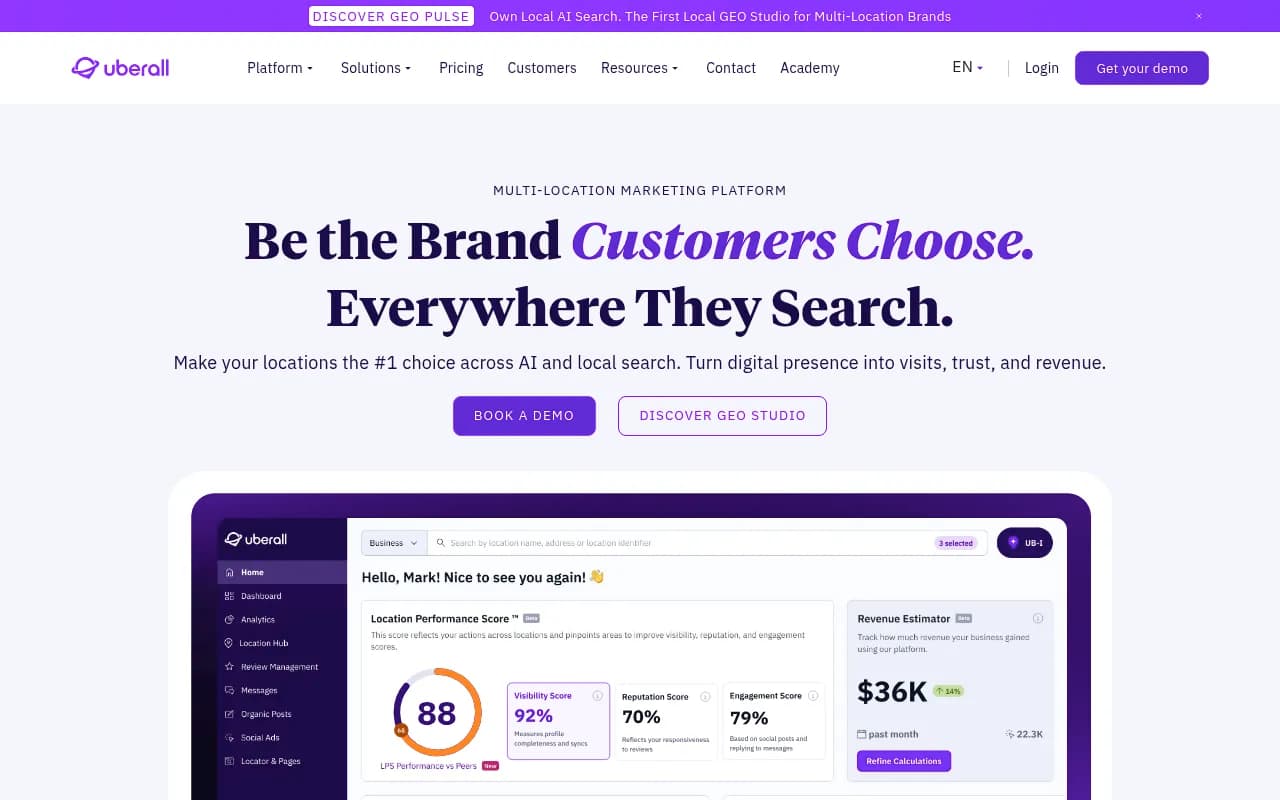
None of these replace each other entirely. Promptwatch answers "what is AI Mode saying about me in Dallas versus Denver, and which sources is it pulling from," while BrightLocal and Uberall answer "is my data clean and consistent across every listing in every city," which is the foundation AI Mode draws from in the first place.
Step 4: Fix what's actually broken in the data behind the answer
Tracking without action is just a dashboard nobody looks at. Once you know where you're missing, the fixes map pretty cleanly to what Cheers' research on local AI citations found: business websites account for roughly 68% of citations in local-intent AI responses, while Google's own Business Profile and Maps data account for about 3%. That's a big gap, and it means the profile is necessary but nowhere near sufficient.
A practical order of operations, per city:
- Confirm your Google Business Profile category, hours, service area, and photos are accurate for that specific location, not copy-pasted from headquarters.
- Check whether your location page on your own website actually answers the FAQ that AI Mode is citing other sources for, and rewrite it in plain, conversational language if it doesn't.
- Look at which local blogs, news sites, or "best of" roundups AI Mode cited for that market, and pursue inclusion or a mention if you're absent.
- Review your recent review volume and recency for that location specifically. Reviews are one of the heaviest-weighted local signals AI Mode draws from, and a location with reviews from 2023 reads very differently to an AI model than one with weekly fresh reviews.
Step 5: Watch competitor brand names, not just your own
One detail from Whitespark's checklist is easy to skip and shouldn't be: prompt AI Mode with your top local competitors' brand names, per city, and log which sources get cited for them. That list often reveals directories, award pages, or local media outlets that are feeding AI Mode's understanding of your category in that market, and that you're not on yet. It's a faster way to find your citation gaps than guessing.
How often to re-run the check
AI Mode is still changing quickly. Google's own citation behavior shifts month to month, and Promptwatch's own research on Google AI Overview citation share for recent months shows meaningful churn in which domains get cited even when nothing about a business changes. A monthly re-check per priority city is a reasonable cadence for most local businesses; weekly makes sense for your top five to ten markets if you're actively running content or citation campaigns, which is easier to sustain with an automated tool than with manual VPN-and-prompt sessions.
A simple tracking template you can start today
If you want to start without buying anything, build a spreadsheet with these columns and fill it in by hand for your top cities before deciding whether to automate:
| City | FAQ prompt | Brand mentioned? | Sources cited | Are we on those sources? | Action needed |
|---|---|---|---|---|---|
| e.g. Austin, TX | "best emergency plumber austin" | No | Yelp list, local news roundup | Not on Yelp list | Pursue Yelp 10-Best inclusion |
Run this for five to ten prompts across your top five markets, and you'll already know more about your AI Mode footprint than most competitors in your category. From there, tools built specifically for this, including the wider set of GEO platforms listed in the directory at bestgeosoftware.com, can take over the repetitive parts and let you focus on fixing what the data turns up.
The bottom line
AI Mode doesn't hand you a clean local pack you can screenshot and compare city to city. It hands you a conversation that changes based on who's asking and where they're standing. The businesses that get ahead of this aren't the ones with the fanciest tool, they're the ones who actually sampled enough cities and questions to see the pattern, then went and fixed the unglamorous stuff underneath it: accurate profiles, fresh reviews, a website that answers real questions, and a presence on the third-party sites AI Mode keeps citing in their market.