Key takeaways
- AirOps has two entry points: a permanent free "Insights" tier (1,000 tasks/month, no credit card) and a 14-day free trial that unlocks Scale plan features
- The free trial gives you real access to the workflow builder, Brand Kits, and content production tools -- but AI search visibility is limited to ChatGPT only on the Solo tier
- Multi-engine AI visibility monitoring (Google, Perplexity, Gemini, etc.) sits behind the Pro plan, which starts at $2,000/month
- AirOps is genuinely strong for content production workflows -- but it's not a GTM platform and won't do lead enrichment, CRM sync, or outbound
- The trial is honest about what the platform does, but the gap between what you test and what you'd actually need can be significant depending on your use case
AirOps has been making noise in the content operations space for a while now. It has real customers -- Webflow, Ramp, Carta -- and a 4.6/5 rating on G2 across 111+ reviews. So when a platform like this offers a free trial, the obvious question is: what does "free" actually mean here?
I dug into the trial structure, talked to the pricing pages, and cross-referenced what practitioners are saying on G2 and Reddit. Here's what you actually get access to before you hand over a credit card.
How AirOps structures its free access
There are two distinct things people call "free" with AirOps, and conflating them leads to confusion.
The first is the permanent free tier, currently called "Insights." It's $0/month, gives you 1,000 tasks per month, one user, one Brand Kit, five knowledge base sources, access to 30+ AI models, and basic CMS integrations. No trial period -- it just stays free. You can build workflows and run content through them within those task limits.
The second is the 14-day free trial, which gives you access to all Scale plan features for two weeks. Crucially, AirOps says you don't need to provide payment details until the trial ends. That's a meaningful distinction -- you can actually explore the platform without a credit card sitting in the background.
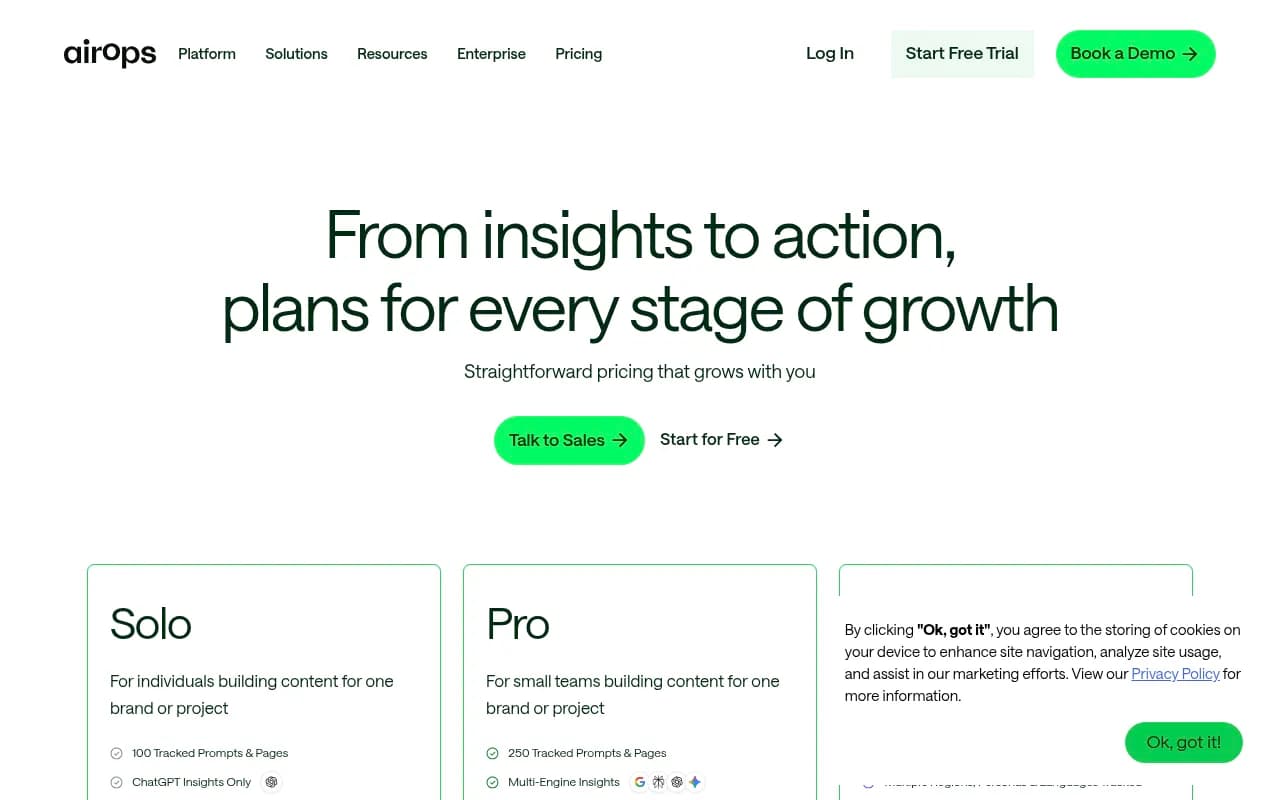
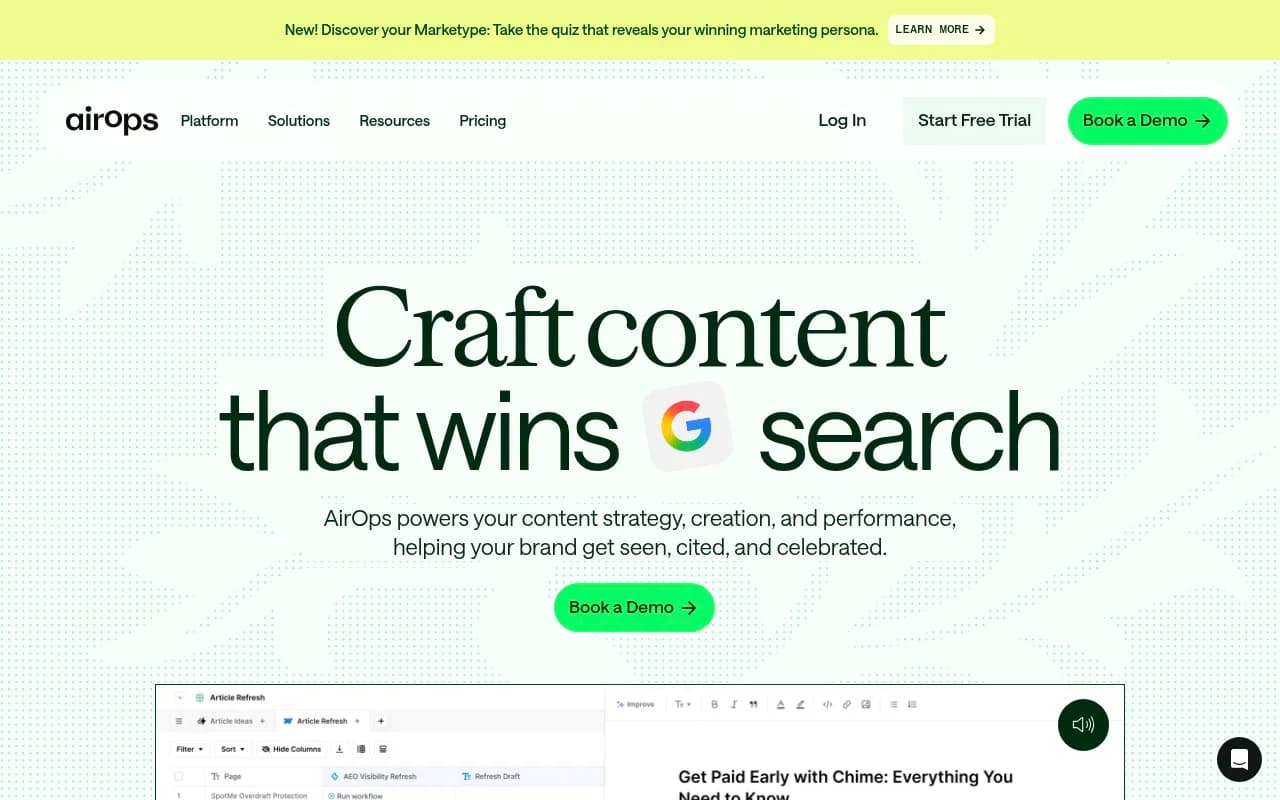
So what does the Scale plan actually include? More tasks for content production, multiple Brand Kits, unlimited knowledge bases, AI Search Visibility Insights, content refresh tools, and a private Slack channel with an account manager. The trial is genuinely generous in scope -- you're not getting a watered-down demo mode.
What you can actually test during the trial
The workflow builder
This is the core of AirOps. It's a drag-and-drop interface for building multi-step AI pipelines -- you connect data sources, AI models, and publishing destinations into automated sequences. During the trial, you get full access to this.
The honest caveat: it has a learning curve. Out of 111 G2 reviews, 54+ mention learning difficulties. That's not a small number, and it's not just coming from negative reviews -- plenty of 4-star and 5-star reviewers flag the same thing. Two weeks is enough time to build something simple, but probably not enough to get a complex workflow humming.
Grids
Grids are AirOps's spreadsheet-style content planner. You set up columns, define AI tasks for each, and run them across rows of URLs, keywords, or topics. Think of it as a content production table where each cell can trigger an AI action.
You can test this fully during the trial. One thing to know: performance reportedly slows on large datasets (100+ rows). If you're planning to use this for bulk content operations, try to stress-test it during the trial rather than assuming it'll scale smoothly.
Brand Kits and knowledge bases
The trial gives you access to multiple Brand Kits -- tone guidelines, writing samples, formatting rules -- and unlimited knowledge base sources. On the permanent free tier, you're limited to one Brand Kit and five knowledge base sources, so the trial is a real upgrade here.
This is worth testing properly. Brand Kit quality directly affects output quality. Spend time during the trial uploading your actual brand guidelines and seeing how the AI adapts.
CMS publishing
AirOps connects directly to WordPress and Webflow for publishing. You can test this during the trial. The limitation to know: Shopify and custom CMS platforms aren't supported. If your stack isn't WordPress or Webflow, this matters.
Content refresh
The Scale plan includes content refresh tools -- the ability to take existing pages and update them based on new data or AI search signals. This is genuinely useful for SEO teams sitting on large backlogs of aging content.
What's locked or limited
AI search visibility -- the big one
Here's where things get complicated, and where the trial can give you a misleading picture.
AirOps has built AI search visibility features into the platform -- tracking which prompts your content appears in across AI engines. But the access level varies dramatically by plan:
- Solo plan: ChatGPT insights only, 100 tracked prompts and pages
- Pro plan: Multi-engine insights (Google AI Overviews, Perplexity, Gemini, and more), 250 tracked prompts
The trial gives you Scale plan access, which includes AI Search Visibility Insights. But if you're evaluating AirOps specifically for multi-engine AI visibility monitoring, you need to understand that the full multi-engine capability sits at Pro -- and Pro starts at $2,000/month.
That's not a typo. The jump from Solo (which has a more accessible price point) to Pro is significant. If your primary goal is tracking how your brand appears across ChatGPT, Perplexity, Google AI Mode, and Claude simultaneously, the trial may show you a version of the feature that doesn't reflect what you'd actually be paying for at your budget level.
For teams specifically focused on AI search visibility and GEO, purpose-built platforms like Promptwatch are worth comparing directly -- they're built around this use case from the ground up rather than as a feature layer on top of a content workflow tool.

Data enrichment and GTM features
AirOps does not do lead enrichment, contact discovery, buying intent signals, or CRM sync below the Pro tier. If you're a sales or RevOps team who found AirOps through a "GTM automation" search, the trial will confirm this gap quickly. The platform is a content operations tool, not a GTM platform.
Task limits after trial
The trial is generous, but once it ends, you're either on the free Insights tier (1,000 tasks/month) or paying for a plan. Tasks are consumed by every AI action in your workflows. A single content brief might use several tasks. At scale, task consumption adds up, and this is one of the "hidden costs" practitioners flag most often.
What the G2 reviews actually say
The 4.6/5 rating is real, but the distribution matters. 21+ reviewers specifically cite pricing as too steep for the ROI they received. That's not a fringe complaint -- it's a pattern.
The positive reviews consistently praise the workflow flexibility, the quality of outputs when Brand Kits are set up well, and the time savings for content teams with established processes. The negative reviews cluster around three things: the learning curve, pricing relative to output, and the fact that the platform assumes you already have a content strategy.
That last point is worth sitting with. AirOps will help you produce content faster. It won't tell you what content to produce, or whether your strategy is sound. If your team doesn't have a proven editorial process, the trial will feel powerful but the results will be mediocre. Faster mediocre content is not a win.
Pricing breakdown after the trial
| Plan | Price | Tasks | AI visibility | Users |
|---|---|---|---|---|
| Insights (free) | $0/mo | 1,000/mo | None | 1 |
| Solo | Listed on site | 20,000/mo | ChatGPT only | 1 |
| Pro | ~$2,000/mo | Higher | Multi-engine | Team |
| Pages | Custom | Custom | Full | Unlimited |
The gap between Solo and Pro is the most important thing to understand before starting the trial. If you need multi-engine AI visibility, you're looking at a significant budget commitment. If you only need content workflow automation, Solo may be sufficient.
Who gets the most out of the trial
The 14-day trial is genuinely useful if you fit a specific profile:
You're an SEO manager or content team lead with an existing editorial strategy and a backlog of content to produce or refresh. You're comfortable with no-code workflow tools and willing to invest setup time. Your CMS is WordPress or Webflow. You want to automate repeatable content tasks at scale.
If that's you, the trial will show you something real. You'll be able to build a workflow, run it against actual content, and see whether the output quality justifies the cost.
The trial is less useful if you're primarily evaluating AirOps for AI search visibility monitoring across multiple engines, or if you're a solo creator or small team without established content processes. In those cases, you'll hit the ceiling of what the trial can show you before you've seen the feature you actually care about.
Alternatives worth considering
If the trial reveals that AirOps isn't the right fit, here are some tools worth looking at depending on what you actually need:
For AI search visibility and GEO optimization specifically, Promptwatch tracks 10 AI models (ChatGPT, Claude, Perplexity, Google AI Mode, Gemini, Grok, DeepSeek, Copilot, Meta AI, and Mistral), includes content gap analysis, and has crawler logs that show when AI engines are actually reading your pages. It's purpose-built for this use case rather than bolted onto a content workflow platform.
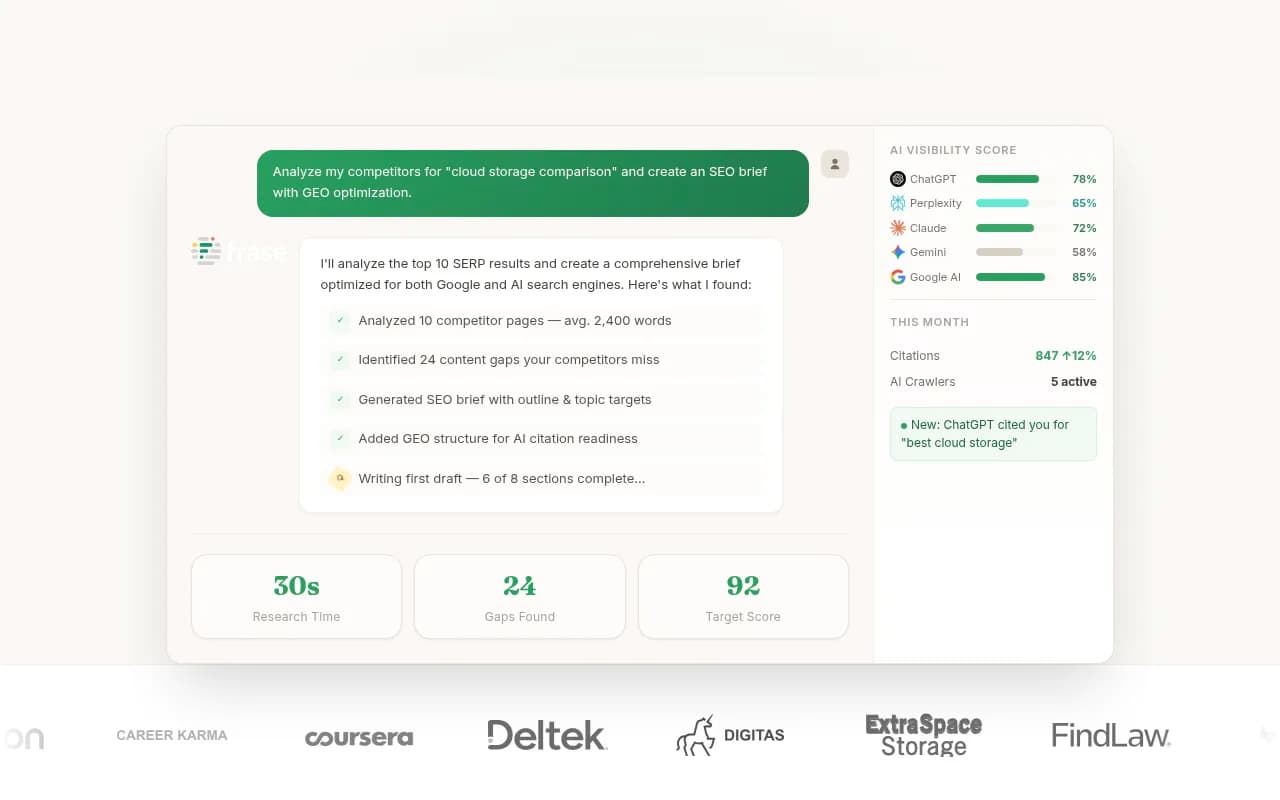
For content brief generation and SEO optimization without the workflow complexity, tools like Frase and Surfer SEO are more accessible entry points.
For teams that need AI content at scale with a simpler setup, Content at Scale is worth a look.
For agencies managing multiple clients who need AI visibility tracking across accounts, Promptwatch's agency tier covers multi-site monitoring with white-label reporting options.
The honest verdict on the trial
AirOps's free trial is one of the more honest in this category. No credit card required, full Scale plan access for 14 days, and a permanent free tier that lets you keep experimenting after the trial ends. That's a reasonable setup.
The trial does what it should: it shows you the platform's genuine strengths. The workflow builder is flexible. The Brand Kit system produces noticeably better output than generic AI writing. The Grids interface is genuinely useful for content teams running at scale.
What the trial can't fully show you is whether the platform is worth the price at your specific budget level. The jump to Pro for multi-engine AI visibility is steep. The task consumption model can surprise you. And the platform's value is heavily dependent on whether your team already has the process maturity to use it well.
Start the trial with a specific workflow in mind -- not a vague exploration. Pick one content type you produce regularly, build a workflow for it, and run it against 20-30 real examples. That'll tell you more in two weeks than any feature list will.