Summary
- Real-time ChatGPT citation tracking requires automated monitoring tools that continuously query AI models and detect when your brand or content appears in responses
- Manual tracking (copying prompts into ChatGPT daily) doesn't scale and misses the majority of citations -- automated platforms run hundreds or thousands of prompts on schedules
- The best real-time setups combine prompt-based tracking (monitoring specific questions), crawler log analysis (seeing when AI bots read your site), and traffic attribution (connecting citations to actual visitors)
- Tools like Promptwatch offer live citation feeds, instant alerts, and page-level tracking across multiple AI models -- closing the loop from visibility to optimization
- Setting up effective real-time tracking takes 3 steps: define your prompt library, configure alerts and dashboards, then connect traffic data to measure impact
Why real-time citation tracking matters in 2026
ChatGPT and other AI models don't publish a results page you can check once a week. Every response is generated on the fly, pulling from a probabilistic mix of sources. Your brand might appear in one user's answer and vanish from another's -- even for the same prompt.
This variability makes real-time tracking essential. You need to know:
- When your content starts getting cited (or stops being cited) so you can correlate changes with content updates, algorithm shifts, or competitor moves
- Which specific pages AI models reference so you can double down on what's working and fix what's not
- How often competitors appear instead of you so you can identify gaps in your content strategy
- What prompts trigger citations so you can optimize for high-value queries
Manual spot-checking can't answer these questions. You'd need to test hundreds of prompts across multiple models every day -- an impossible task without automation.
The three layers of real-time ChatGPT tracking
Effective real-time monitoring combines three complementary approaches. Most platforms focus on one or two; the best setups use all three.
1. Prompt-based tracking: Automated query monitoring
This is the foundation. The platform runs a library of prompts against ChatGPT (and other AI models) on a schedule -- hourly, daily, or weekly depending on your plan. For each response, it detects:
- Whether your brand or domain appears
- Where in the response you're mentioned (position matters -- first mention gets more attention than fifth)
- Whether you're cited with a source link or just mentioned in passing
- How your visibility compares to competitors
The key is prompt library quality. Random questions won't help. You need prompts that:
- Match how real users ask questions ("best project management tools for remote teams" not "project management software list")
- Cover your core topics and use cases
- Include competitor comparison prompts ("X vs Y" and "alternatives to Z")
- Span different stages of the buyer journey (awareness, consideration, decision)
Most tools let you import prompts in bulk or suggest prompts based on your domain. Start with 50-100 prompts, then expand as you identify gaps.
2. Crawler log analysis: See when AI bots read your site
ChatGPT, Claude, Perplexity, and other AI models send crawlers to read web pages -- just like Google's bot. These crawlers have identifiable user agents (e.g. "GPTBot" for ChatGPT, "ClaudeBot" for Claude). By analyzing your server logs, you can see:
- Which pages AI bots visit and how often
- Whether they're encountering errors (404s, 500s, robots.txt blocks)
- How crawl frequency changes over time
- Which models are most active on your site
This data is predictive. If ChatGPT's crawler suddenly stops visiting a page that used to get daily hits, that page will likely stop appearing in citations soon. Crawler log analysis gives you an early warning system.
Most citation tracking platforms don't offer this feature. Promptwatch includes real-time AI crawler logs as part of its core platform, showing exactly which pages each model reads and when.

3. Traffic attribution: Connect citations to actual visitors
Visibility is great, but revenue is better. Traffic attribution closes the loop by showing which citations drive actual visitors to your site. There are three methods:
- JavaScript snippet: Add a tracking script to your site that detects visitors arriving from ChatGPT, Claude, or Perplexity (via referrer headers or URL parameters)
- Google Search Console integration: Some AI models (like Google AI Overviews) appear in GSC data as a separate traffic source
- Server log analysis: Parse your web server logs to identify AI referrer patterns
Once you're tracking traffic, you can measure ROI. If a specific prompt drives 50 citations per month and 10 of those turn into site visits, you know that prompt is worth optimizing for.
Setting up real-time tracking: Step-by-step
Here's how to go from zero to a live citation monitoring dashboard in under an hour.
Step 1: Choose your tracking platform
You need a tool that automates prompt monitoring. Manual tracking doesn't scale. The platform should:
- Support multiple AI models (at minimum: ChatGPT, Claude, Perplexity, Gemini)
- Run prompts on a schedule (daily at minimum, hourly for real-time)
- Detect brand mentions and citations automatically
- Provide historical data so you can track trends
- Offer alerts when visibility changes significantly
Comparison of top real-time citation tracking platforms:
| Platform | AI models tracked | Update frequency | Crawler logs | Traffic attribution | Starting price |
|---|---|---|---|---|---|
| Promptwatch | 10 (ChatGPT, Claude, Perplexity, Gemini, Grok, DeepSeek, Mistral, Meta AI, Copilot, Google AI Overviews) | Hourly to daily | Yes | Yes (snippet + GSC + logs) | $99/mo |
| Otterly.AI | 6 | Daily | No | No | $29/mo |
| ZipTie | 8 | Daily | No | Limited | $69/mo |
| Profound | 7 | Daily | No | No | $99/mo |
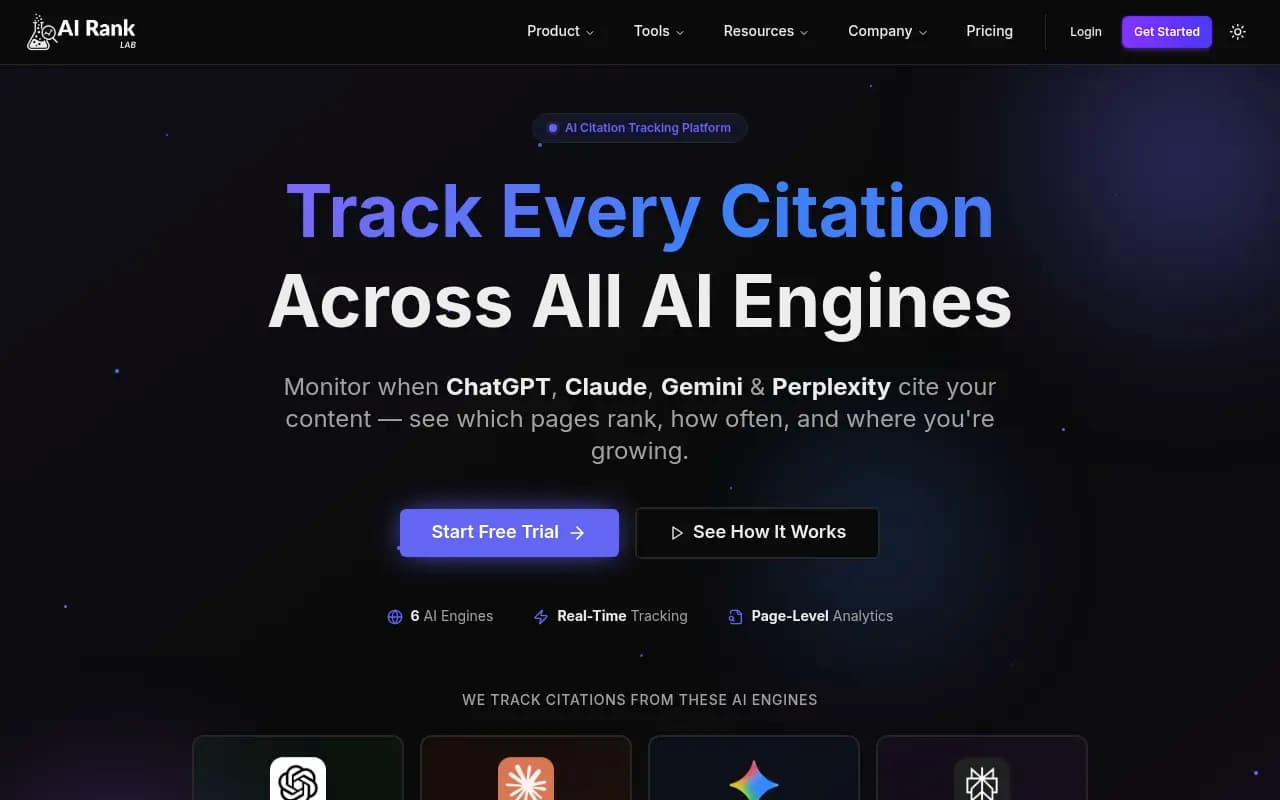
| AI Rank Lab | 6 | Daily | No | No | Free tier available |
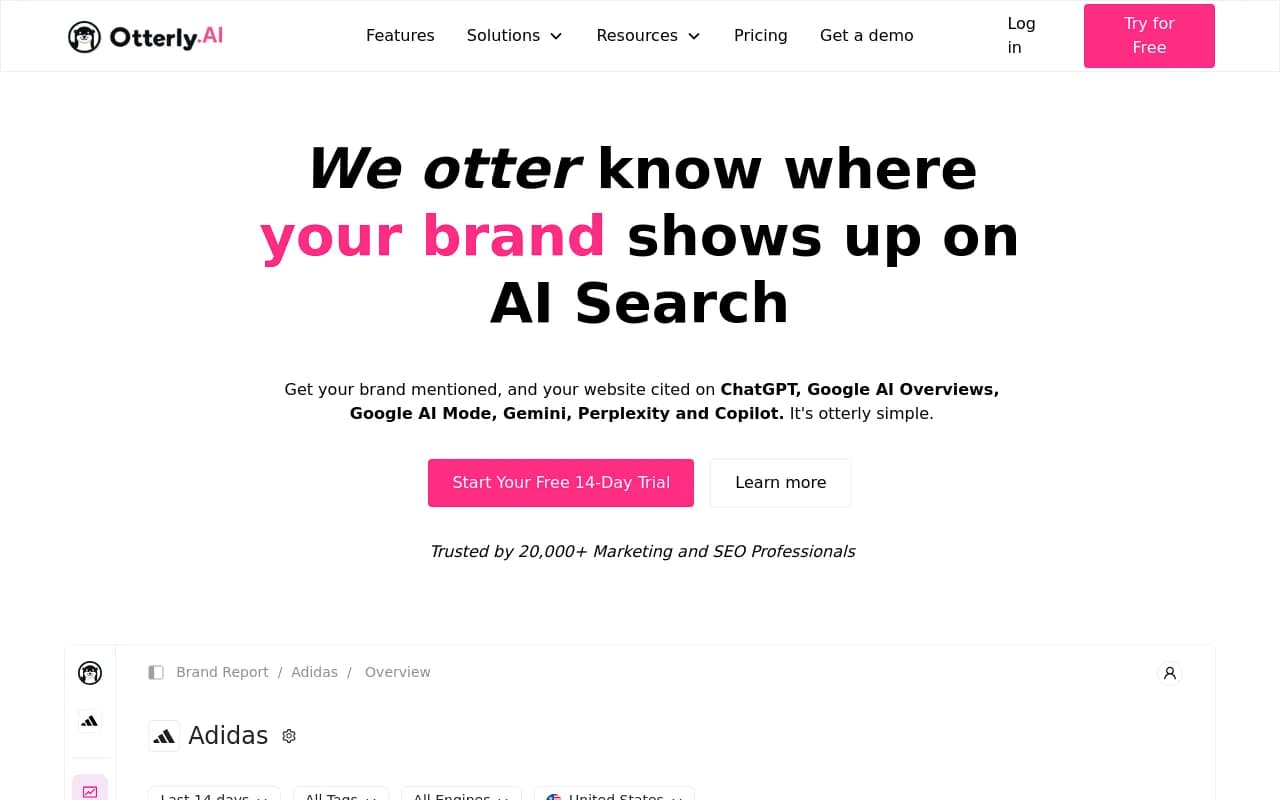
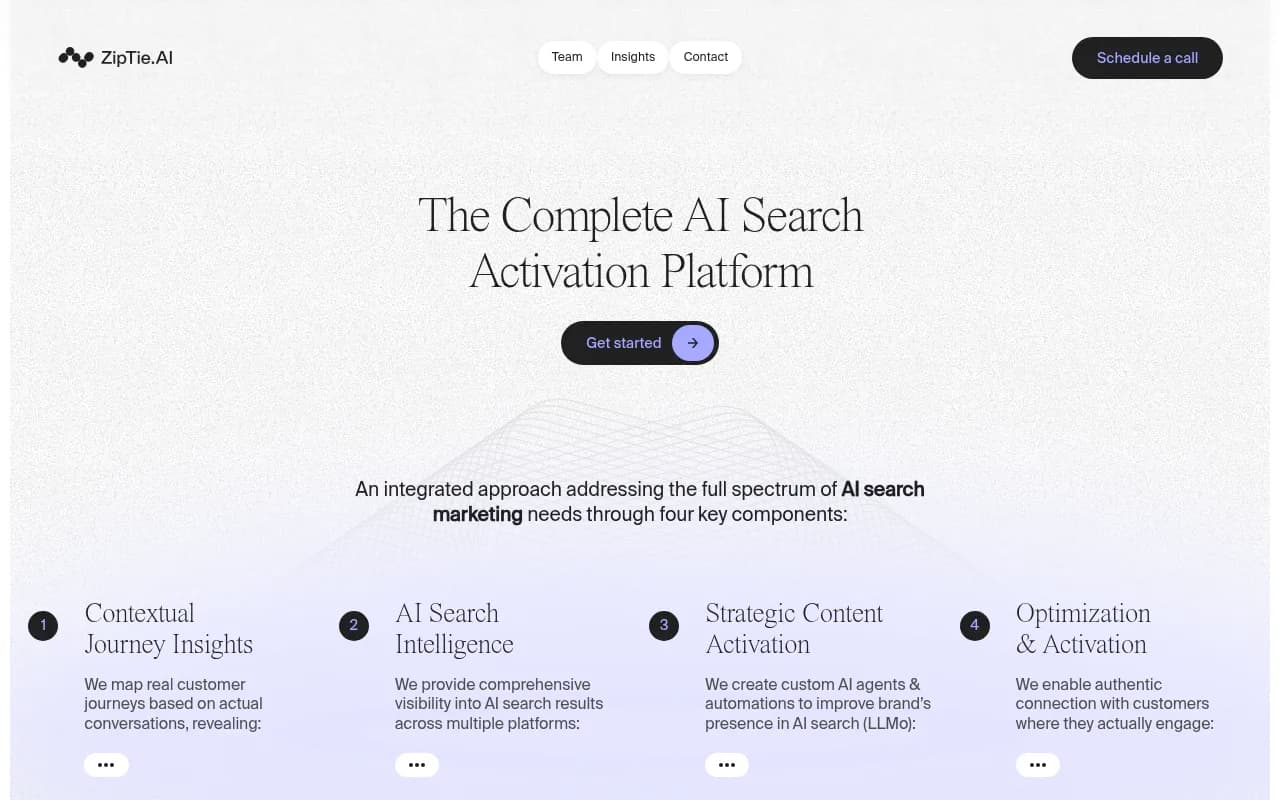
For real-time tracking, you want a platform that updates at least daily and includes crawler log analysis. Promptwatch is the only option in this comparison that offers both.
Step 2: Build your prompt library
Start with 3 categories of prompts:
Brand awareness prompts (20-30 prompts):
- "What is [your brand]?"
- "Tell me about [your brand]"
- "[Your brand] review"
- "Is [your brand] worth it?"
Use case prompts (30-50 prompts):
- "Best tool for [specific use case]"
- "How to [solve problem your product addresses]"
- "[Use case] software comparison"
- "What's the best way to [task]?"
Competitor comparison prompts (20-30 prompts):
- "[Your brand] vs [competitor]"
- "[Competitor] alternatives"
- "Tools like [competitor]"
- "Why choose [your brand] over [competitor]?"
Most platforms let you import prompts via CSV or suggest prompts based on your domain. Don't overthink this -- start with 50 prompts and expand as you learn which ones matter.
Step 3: Configure alerts and dashboards
Real-time tracking is only useful if you notice changes quickly. Set up:
Instant alerts for:
- New citations (your brand appears in a response where it didn't before)
- Lost citations (you disappear from a response where you used to appear)
- Competitor surges (a competitor suddenly dominates prompts you used to own)
- Crawler errors (AI bots encounter 404s or access issues on your site)
Daily digest emails summarizing:
- Total citations in the last 24 hours
- Citation growth vs previous period
- Top-performing pages
- Prompts where you gained or lost visibility
Dashboard views showing:
- Citation trend over time (line chart)
- Visibility by AI model (which models cite you most often)
- Page-level citation breakdown (which URLs get cited)
- Competitor heatmap (your share of voice vs competitors across prompts)
Most tools offer Slack or email alerts. Configure these on day one so you don't miss important changes.
Step 4: Add traffic attribution (optional but recommended)
If your platform supports it, install the traffic attribution snippet on your site. This is usually a single line of JavaScript added to your site's <head> tag. It detects visitors arriving from AI search engines and logs them in your analytics dashboard.
Once installed, you'll see:
- Which prompts drive the most traffic
- Conversion rates for AI-referred visitors vs organic search
- Revenue attributed to specific citations
This data helps you prioritize optimization efforts. If a prompt drives 100 citations but zero traffic, it's not worth obsessing over. If another prompt drives 10 citations and 50 visits, that's your goldmine.
Advanced real-time tracking techniques
Once your basic setup is running, these advanced techniques help you catch more citations and respond faster.
Monitor query fan-outs and related prompts
One user prompt often branches into multiple sub-queries. For example, "best CRM for small business" might trigger follow-up questions like:
- "CRM pricing comparison"
- "CRM with email marketing"
- "Free CRM options"
- "CRM for solopreneurs"
If you're visible for the parent prompt but invisible for the fan-outs, you're missing opportunities. Tools like Promptwatch show query fan-outs and prompt volume estimates so you can identify high-value variations to target.
Track persona-based responses
AI models personalize responses based on context. A prompt like "best project management tool" will generate different answers depending on:
- User's industry ("for construction teams" vs "for software developers")
- Company size ("for startups" vs "for enterprise")
- Geographic location (US vs EU vs APAC)
- Language (English vs Spanish vs German)
Most tracking tools let you configure personas -- predefined contexts that modify how prompts are asked. Set up personas matching your target customer segments so you're tracking the responses your actual buyers see.
Monitor Reddit and YouTube mentions
ChatGPT and Perplexity frequently cite Reddit threads and YouTube videos in their responses. If your brand is discussed on Reddit or featured in a YouTube video, that content can drive AI citations even if your own website doesn't.
Some platforms (like Promptwatch) surface Reddit discussions and YouTube videos that influence AI recommendations. This helps you:
- Identify communities where your brand is being discussed
- Find content gaps (topics people ask about on Reddit that you haven't covered)
- Engage with discussions that shape AI model perceptions
Set up competitor shadow tracking
Don't just track your own brand -- track competitors too. Create a separate prompt library focused on:
- Competitor brand names
- "[Competitor] vs" prompts
- "Alternatives to [competitor]"
- Use cases where competitors dominate
This gives you a competitive intelligence feed. When a competitor's visibility spikes, you'll know immediately and can investigate what changed (new content, algorithm update, press coverage).
Common real-time tracking mistakes to avoid
Mistake 1: Tracking too few prompts
50 prompts is a starting point, not a destination. AI search is probabilistic -- the more prompts you track, the more accurate your visibility picture. Aim for 200+ prompts within 3 months of launching your tracking setup.
Mistake 2: Ignoring crawler logs
Prompt-based tracking shows you the output (citations), but crawler logs show you the input (what AI models are reading). If you're not monitoring crawler activity, you're flying blind. A sudden drop in crawler visits is an early warning that citations will decline soon.
Mistake 3: Not connecting traffic data
Visibility metrics are vanity metrics if they don't connect to business outcomes. Always set up traffic attribution so you can measure ROI. A citation that drives zero traffic is worthless.
Mistake 4: Treating all citations equally
Not all citations are created equal. A citation in the first sentence of a response is worth 10x more than a citation buried in the eighth paragraph. A citation with a source link is worth more than a passing mention. Your tracking platform should distinguish between these.
Mistake 5: Reacting to noise instead of trends
AI responses are probabilistic. Your visibility for a single prompt might fluctuate day-to-day due to randomness, not real changes. Look at 7-day or 30-day trends, not daily snapshots. Set alert thresholds high enough to filter out noise (e.g. "alert me if visibility drops by 20% over 7 days" not "alert me every time a single prompt changes").
Real-time tracking in action: What to do with the data
Collecting citation data is step one. Here's how to turn it into action.
When you gain citations: Double down
If a page suddenly starts getting cited frequently:
- Analyze what changed (did you publish new content? Update the page? Get a backlink?)
- Identify related prompts where you're not yet visible
- Create similar content targeting those prompts
- Interlink the high-performing page with related pages to boost their authority
When you lose citations: Diagnose and fix
If citations drop:
- Check crawler logs -- did AI bots stop visiting the page?
- Look for technical issues (404 errors, robots.txt blocks, slow load times)
- Compare your content to competitors who gained visibility -- what are they covering that you're not?
- Update the page with fresh information, better structure, or more depth
When competitors surge: Close the gap
If a competitor suddenly dominates prompts you used to own:
- Analyze their content -- what topics, angles, or formats are they using?
- Check their backlink profile -- did they get cited by a high-authority source?
- Look for content gaps on your site -- questions they answer that you don't
- Use tools like Promptwatch's Answer Gap Analysis to see exactly which prompts competitors rank for but you don't, then generate content to fill those gaps
When traffic attribution shows ROI: Scale up
If certain prompts drive significant traffic:
- Prioritize optimizing for related prompts in the same topic cluster
- Create more content around that use case or buyer persona
- Invest in backlinks and authority-building for the high-performing pages
- Use the traffic data to justify budget for AI search optimization to leadership
The future of real-time citation tracking
As AI search matures, real-time tracking will evolve in three directions:
1. Predictive visibility scoring: Platforms will use historical data to predict which content will gain citations before it happens. If your crawler logs show ChatGPT reading a new page frequently, the platform will flag it as likely to start appearing in citations soon.
2. Automated optimization loops: Instead of just showing you gaps, platforms will generate content to fill them. Promptwatch already does this with its AI writing agent -- it identifies prompts where you're invisible, then creates articles engineered to get cited.
3. Cross-model attribution: As users bounce between ChatGPT, Perplexity, Claude, and Google AI Overviews in a single research session, tracking will need to connect citations across models. The platform that can show "this user saw you in Perplexity, then searched in ChatGPT, then visited your site" will win.
Real-time tracking is no longer optional. If you're not monitoring ChatGPT citations as they happen, you're optimizing in the dark. Set up automated tracking today, configure alerts, and start closing the loop from visibility to traffic to revenue.